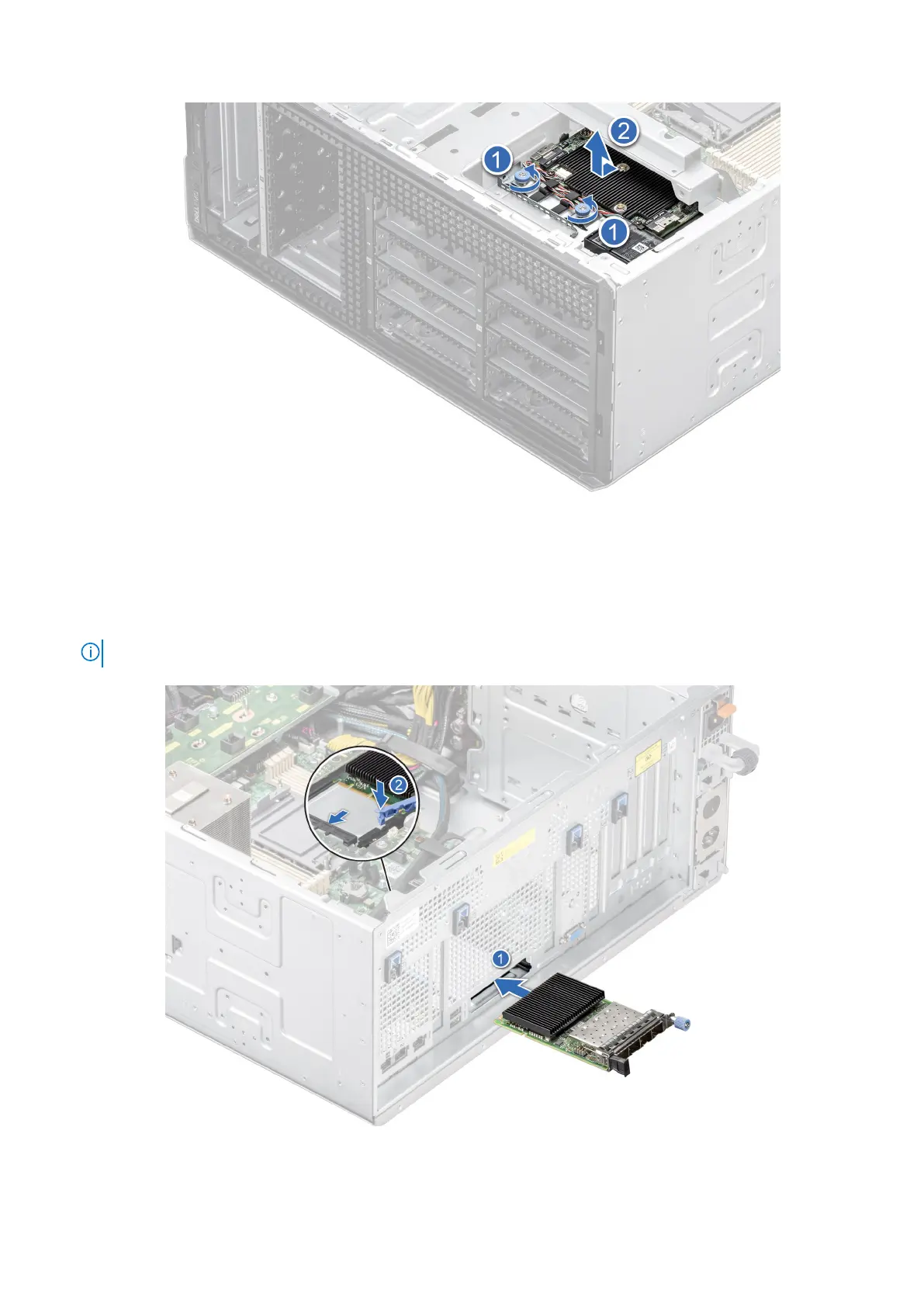
Figure 154. Removal of filler bracket
2. Open the blue latch on the system board.
3. Slide the OCP card into the slot in the system.
4. Push until the OCP card is connected to the connector on the system board.
5. Close the blue latch to lock the OCP card to the system.
NOTE: The numbers on the image do not depict the exact steps. The numbers are for representation of sequence.
Figure 155. Installing the OCP card
150
Installing and removing system components














 To Next Page