18 Finding Information
• Warranty information
• Terms and Conditions (U.S. only)
• Safety instructions
• Regulatory information
• Ergonomics information
• End User License Agreement
Dell™ Product Information Guide
• How to remove and replace parts
•Specifications
• How to configure system settings
• How to troubleshoot and solve problems
Dell™ OptiPlex™ User’s Guide
Microsoft Windows Help and Support Center
1
Click
Start
or
→
Help and Support
→
Dell User
and System Guides
→
System Guides
.
2
Click the
User’s Guide
for your computer.
• Service Tag and Express Service Code
• Microsoft Windows License Label
Service Tag and Microsoft
®
Windows
®
License
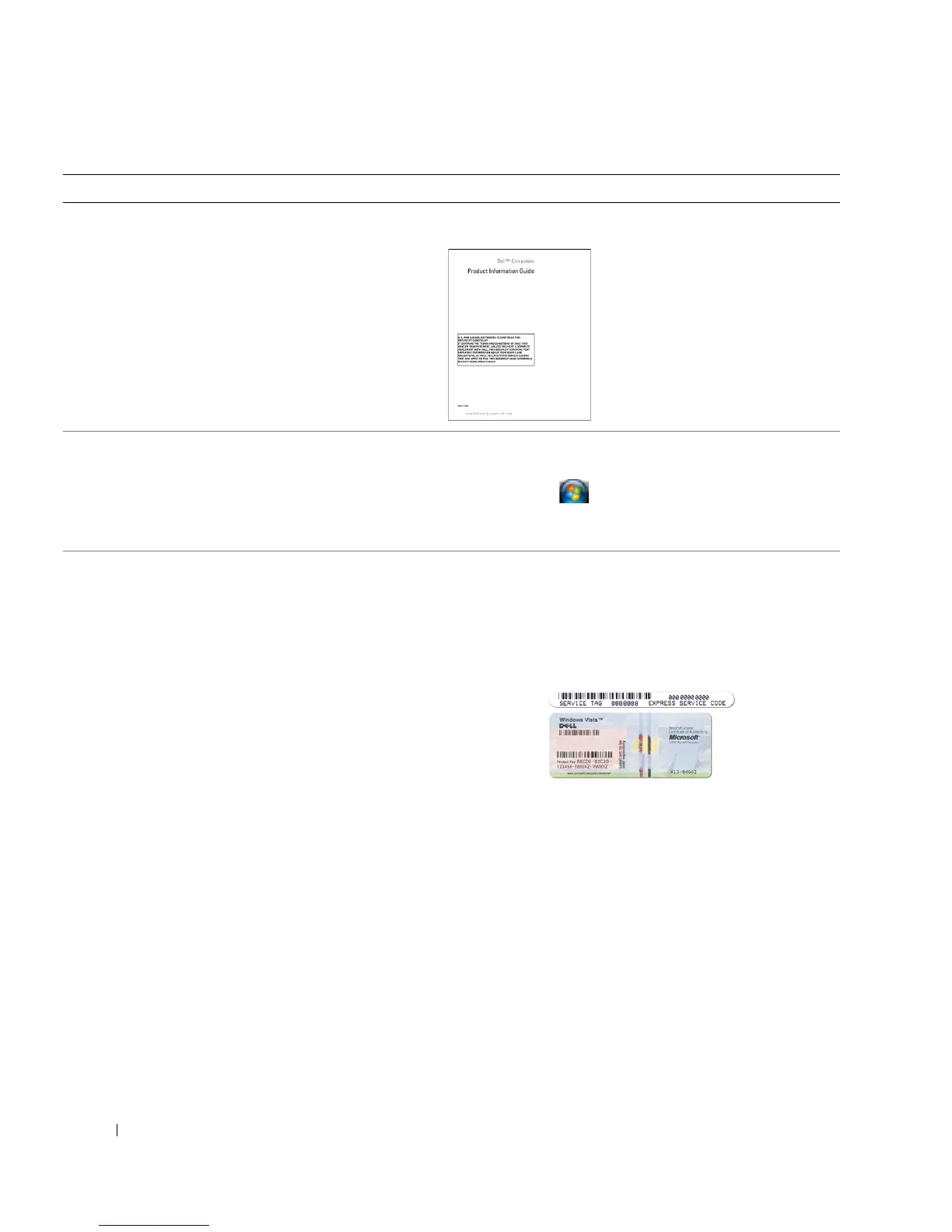
These labels are located on your computer.
• Use the Service Tag to identify your computer when you
use
support.dell.com
or contact support.
• Enter the Express Service Code to direct your call when
contacting support.
NOTE: As an increased security measure, the newly
designed Microsoft Windows license label incorporates a
missing portion or "hole" to discourage removal of the label.
What Are You Looking For? Find It Here







 To Next Page