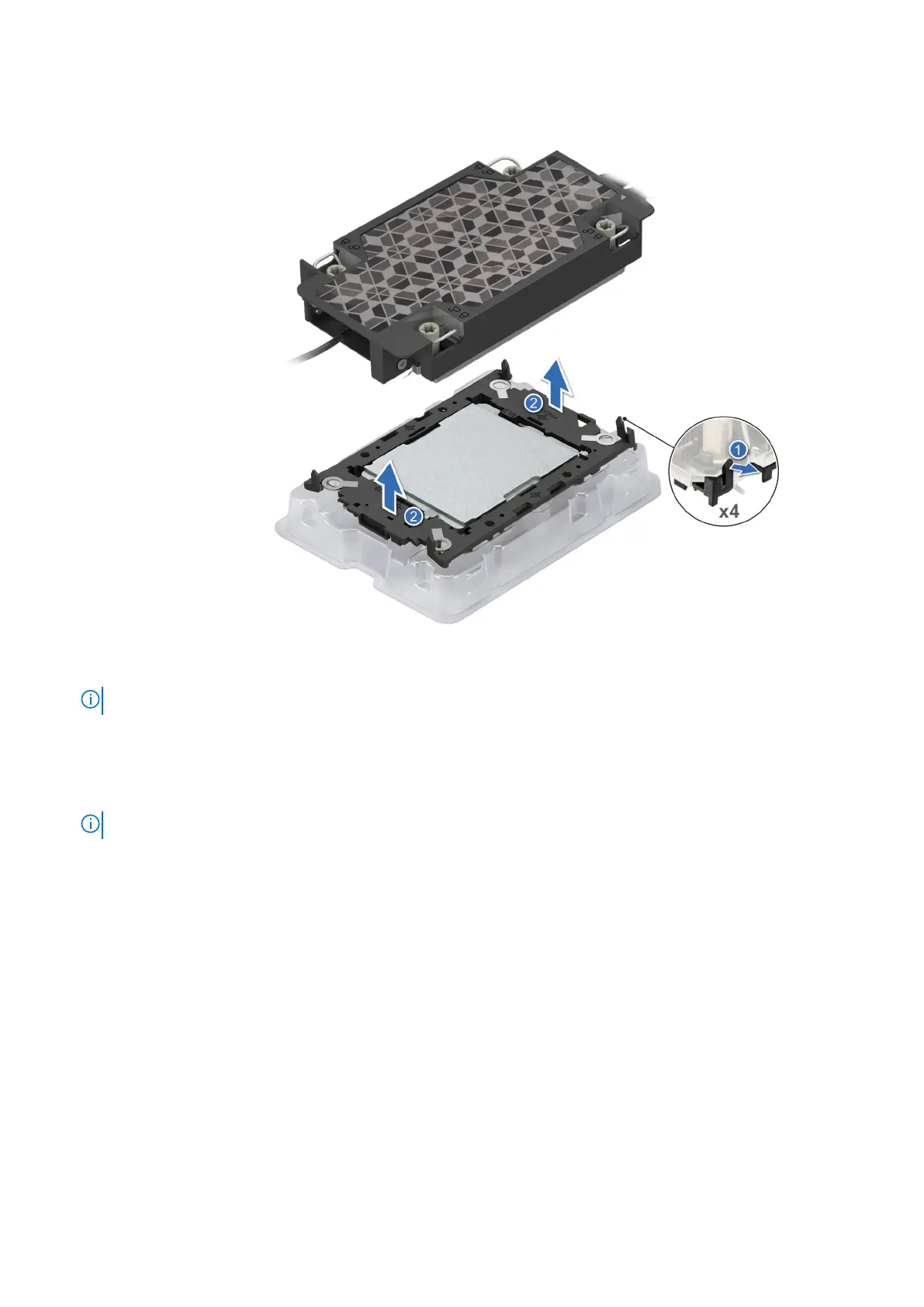
Figure 85. Aligning pin 1 marks of processor with tray
NOTE: Ensure that to return the TIM break lever back to its original position.
4. To remove the plastic retainer from the cold plate, first hold the retaining clip release tab at the pin 1 connector, pull out the
tip of the retaining clip release tab, and then lift the retaining clip partially from the cold plate.
5. Repeat the procedure at the remaining three corners of the retaining clip.
6. After all the corners are released from the cold plate, lift the retaining clip from the pin 1 corner of the cold plate.
NOTE: Ensure to follow the same procedure for second processor.
110 Installing and removing system components












 To Next Page