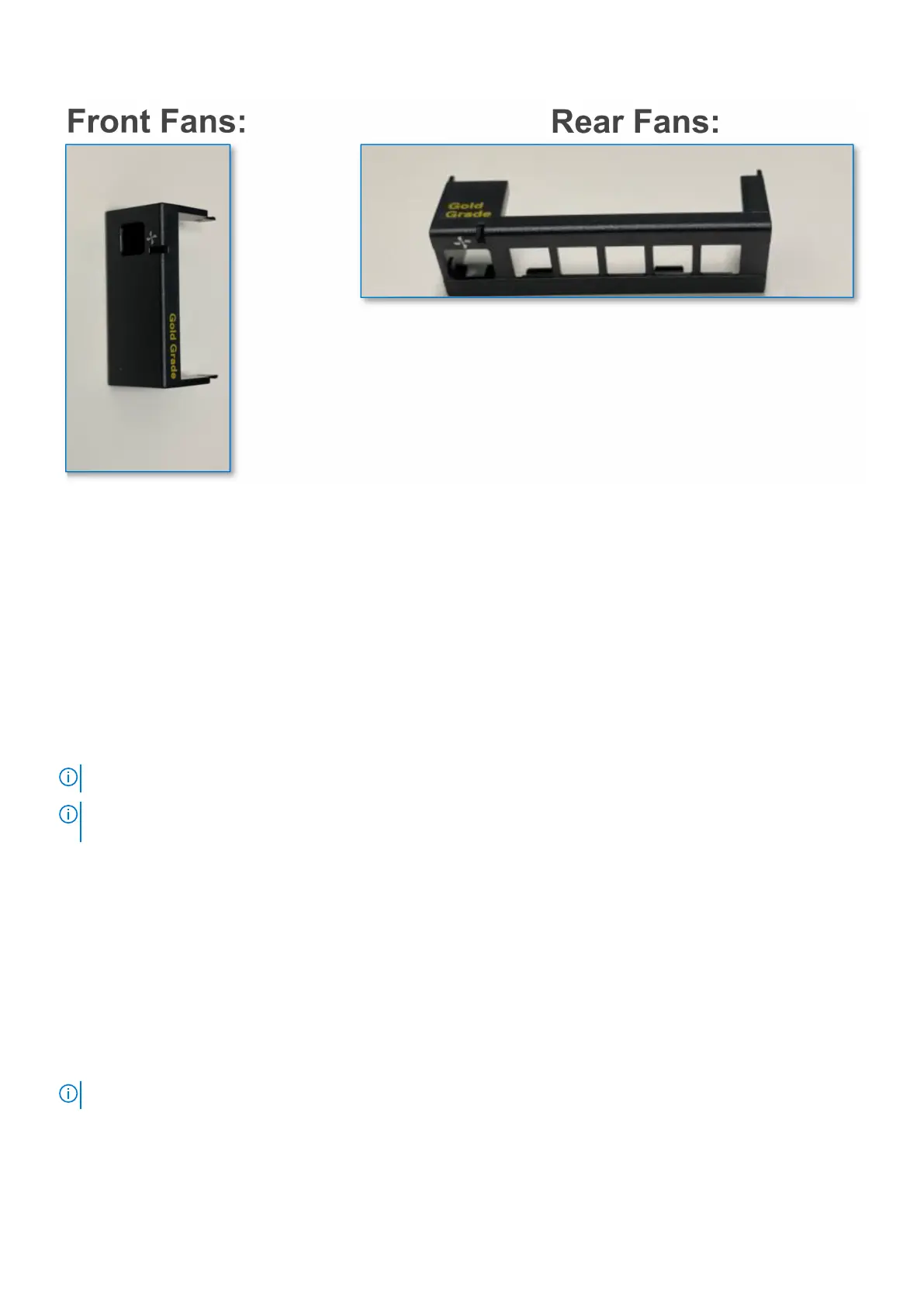
Remote verification via OME-M API:
1. Open a browser and type this URL - https://<your chassis management IP>/api/DeviceService/ Devices
2. Press Ctrl+F to find the first instance of "ChassisId"
3. Replace the Devices number in this URL: https://<your chassis management IP>/api/DeviceService/
Devices(<ChassisId>)/InventoryDetails('chassisFansList') and press Enter to view the fan hardware version.
Remote verification via OME-M GUI:
1. Click MM GUI >Hardware > Fans
2. Results Gold Grade fans are shown under Hardware Version as 2.
3. Results Silver Grade fans are shown under Hardware Version as 1.
NOTE: Silver Grade fans do not have "Silver" silkscreen on fan assembly
NOTE: For more information, go to https://www.dell.com/poweredgemanuals>Modular Infrastructure>Upgrade
Kits>MX Infrastructure Thermal Management features for MX series sleds
iDRAC configuration
The Integrated Dell Remote Access Controller (iDRAC) is designed to make you more productive as a system administrator and
improve the overall availability of Dell servers. iDRAC alerts you to system issues, helps you to perform remote management, and
reduces the need for physical access to the system.
Options to set up iDRAC IP address
To enable communication between your system and iDRAC, you must first configure the network settings based on your
network infrastructure. The network settings option is set to DHCP, by default.
NOTE: For static IP configuration, you must request for the settings at the time of purchase.
You can set up the iDRAC IP address using one of the interfaces in the table below. For information about setting up iDRAC IP
address, see the documentation links provided in the table below.
28
Initial system setup and configuration












 To Next Page