Next steps
1. Install the drive cage.
Installing the drive cage
Prerequisites
1. Follow the safety guidelines listed in the Safety instructions.
2. Follow the procedure listed in Before working inside your system.
3. Disconnect the drive backplane cables from the connectors on the system board.
Steps
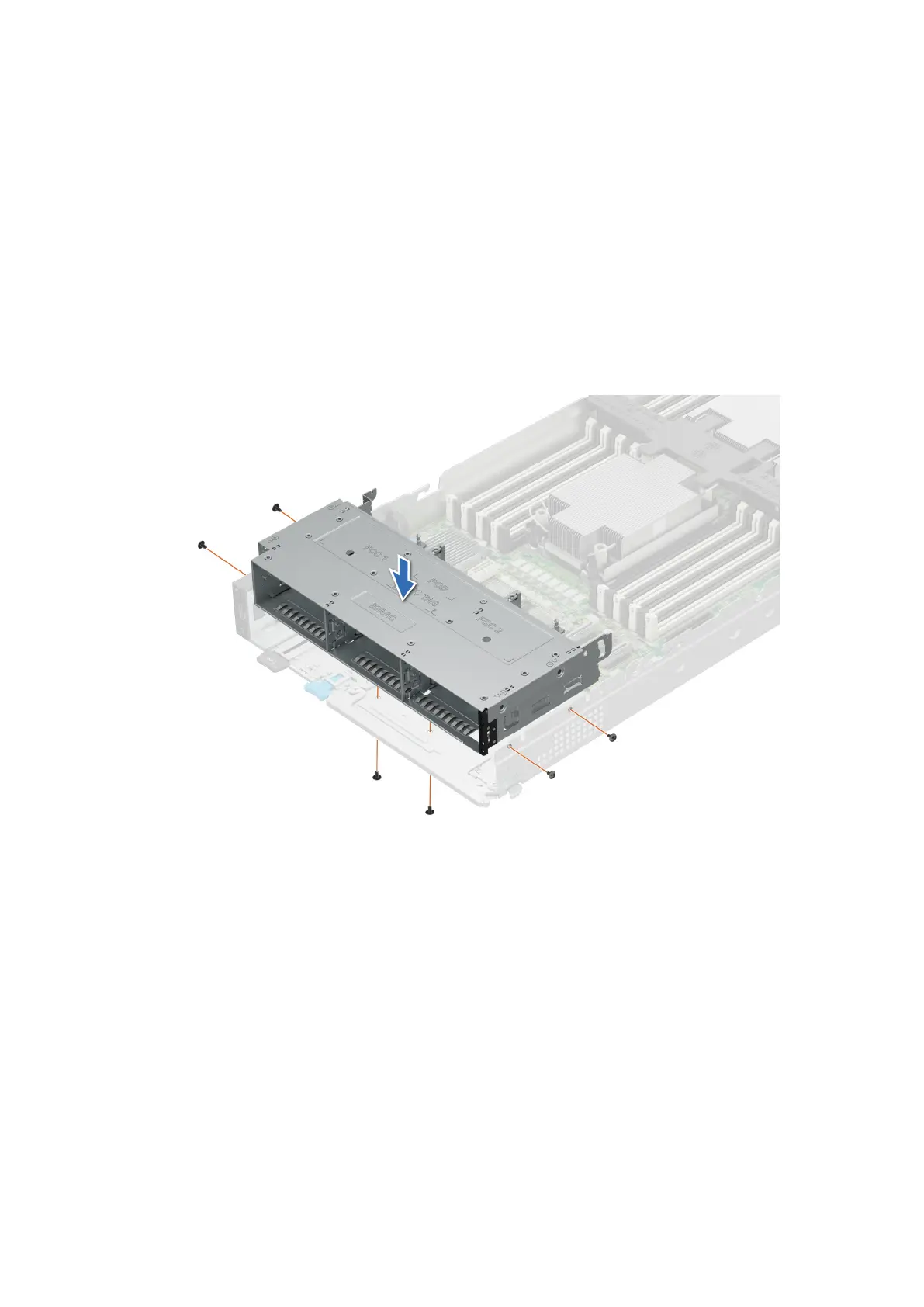
1. Place the drive cage into the system, aligning with the screw holes on the system.
2. Using the Phillips #1 screwdriver, tighten the screws to secure the drive cage in place.
Figure 50. Installing the drive cage of 6 x 2.5-inch drive sled
82
Installing and removing system components












 To Next Page