System diagnostics and indicator codes
The diagnostic indicators on the system front panel display system status during system startup.
Topics:
• Power button LED
• System health and system ID indicator codes
• Drive indicator codes
Power button LED
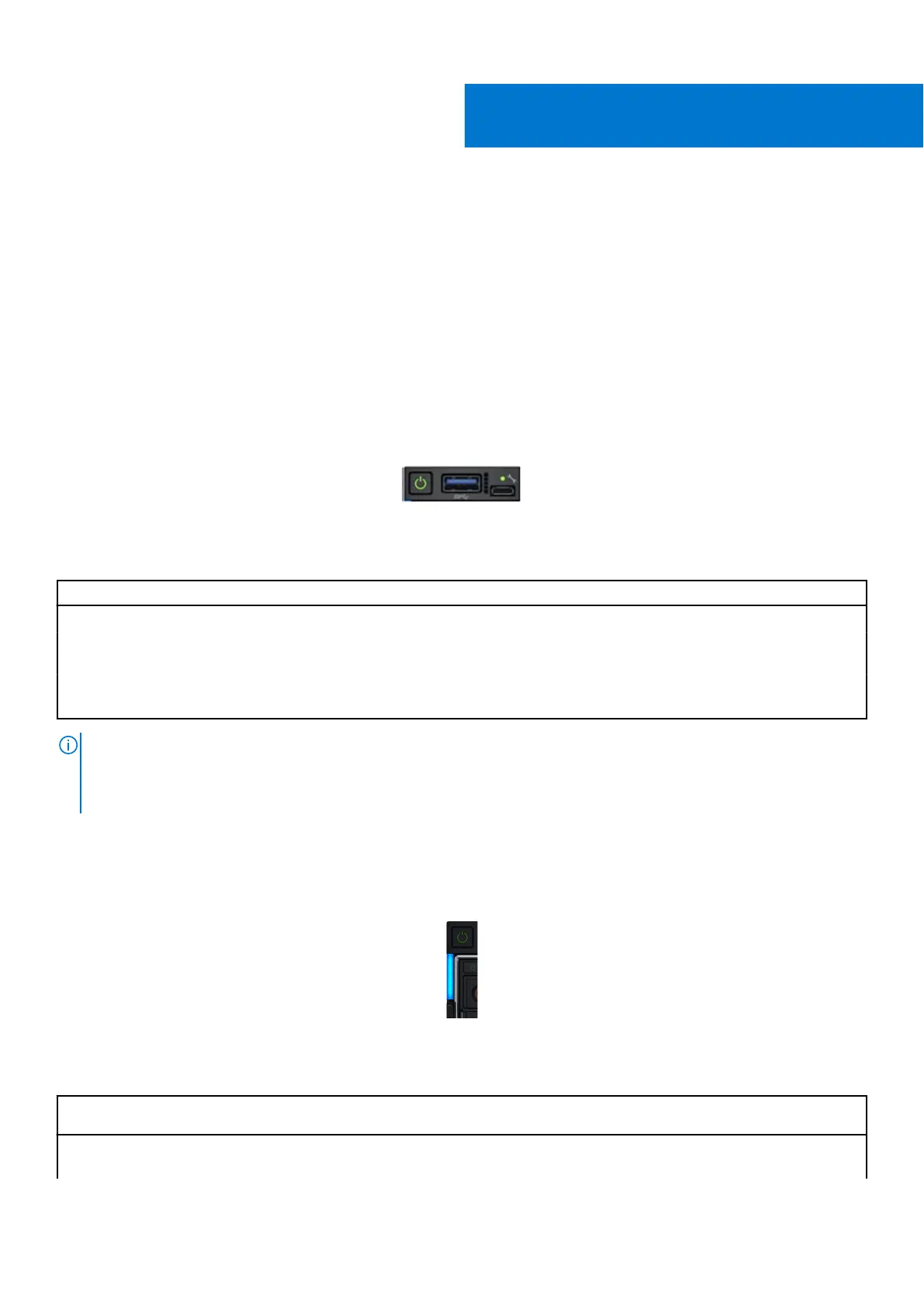
The power button LED is located on the front panel of your system.
Figure 125. Power button LED
Table 70. Power button LED
Power button LED indicator code Condition
Off System is not operating, regardless of power supply available.
On System is operating, one or more of the non-standby power
supply units are active.
Slowly blinking System is performing powering on sequence and iDRAC is still
booting.
NOTE: When MX760c is installed in MX7000, the power button LED indicator display the status as off for one minute while
the sled is initialized, even if the sled is configured to power on automatically (for example, with an AC power recovery
policy of, On or Last). After one minute, if the sled is configured to power on automatically, the power button LED will start
slowly blinking to indicate the system is performing the powering on sequence.
System health and system ID indicator codes
The system health and system ID indicator is located on the left control panel of the system.
Figure 126. System health and system ID indicators
Table 71. System health and system ID indicator codes
System health and system
ID indicator code
Condition
Solid blue Indicates that the system is powered on, is healthy, and system ID mode is not active. Press
the system health and system ID button to switch to system ID mode.
10
148 System diagnostics and indicator codes












 To Next Page