Steps
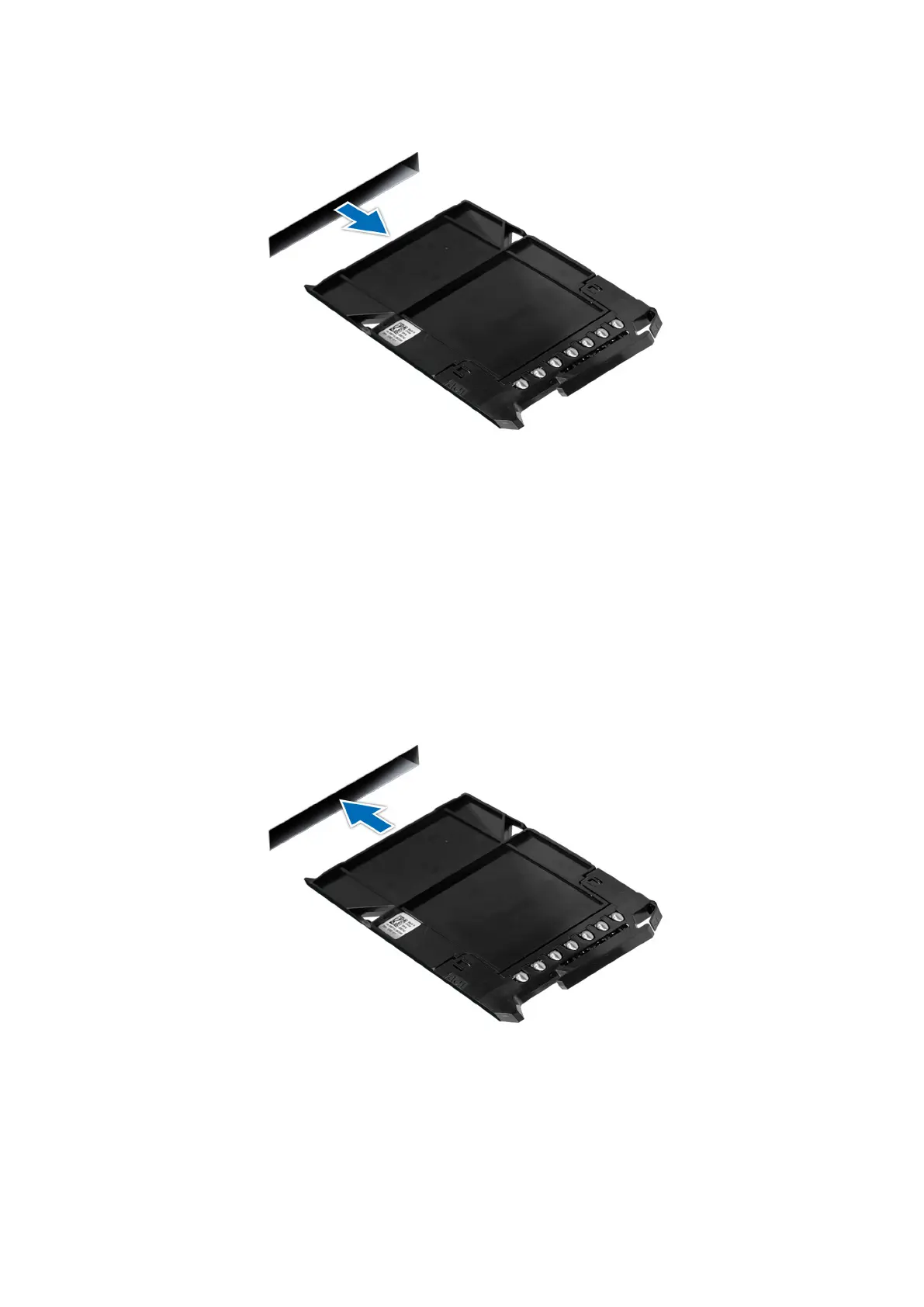
Press the release button and slide the drive blank out of the drive slot.
Figure 30. Removing an E3.s drive blank
Next steps
1. Replace the E3.s drive blank.
Installing an E3.s drive blank
Prerequisites
1. Follow the safety guidelines listed in the Safety instructions.
Steps
Insert the drive blank into the drive slot until the release button clicks into place.
Figure 31. Installing the E3.s drive blank
68
Installing and removing system components












 To Next Page