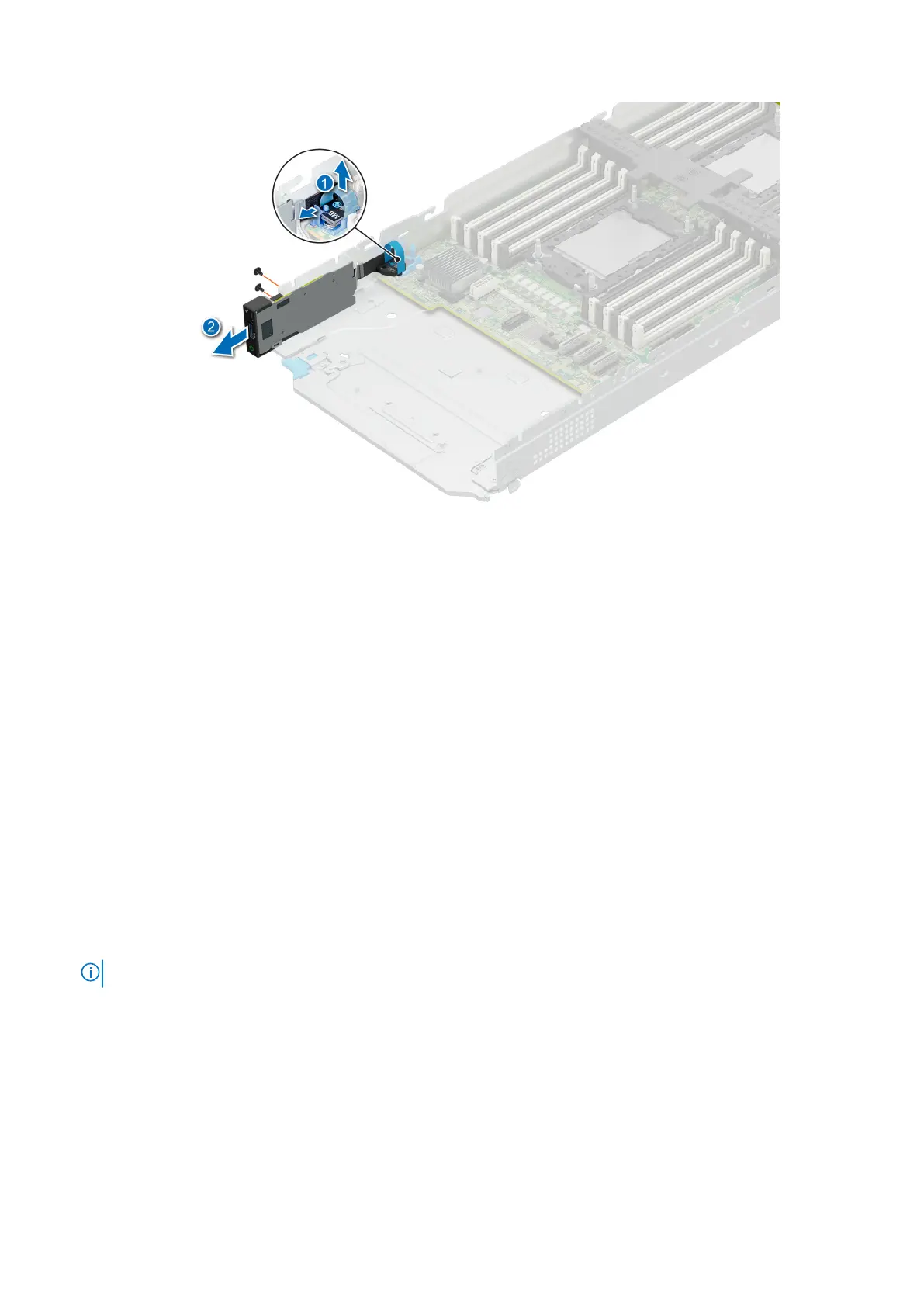
Figure 65. Removing the front I/O module
Next steps
1. Replace the front I/O module.
Installing the front I/O module
Prerequisites
1. Follow the safety guidelines listed in the Safety instructions.
2. Follow the procedure listed in Before working inside your system.
3. Remove all the drives.
4. Remove the drive cage.
Steps
1. Align and insert the front I/O module in the slot on the system.
2. Connect the front I/O module cable to the connector on the system board.
3. Using a Phillips #1 screwdriver, tighten the screws that secure the front I/O module to the system.
NOTE: The numbers on the image do not depict the exact steps. The numbers are for representation of sequence.
92 Installing and removing system components












 To Next Page