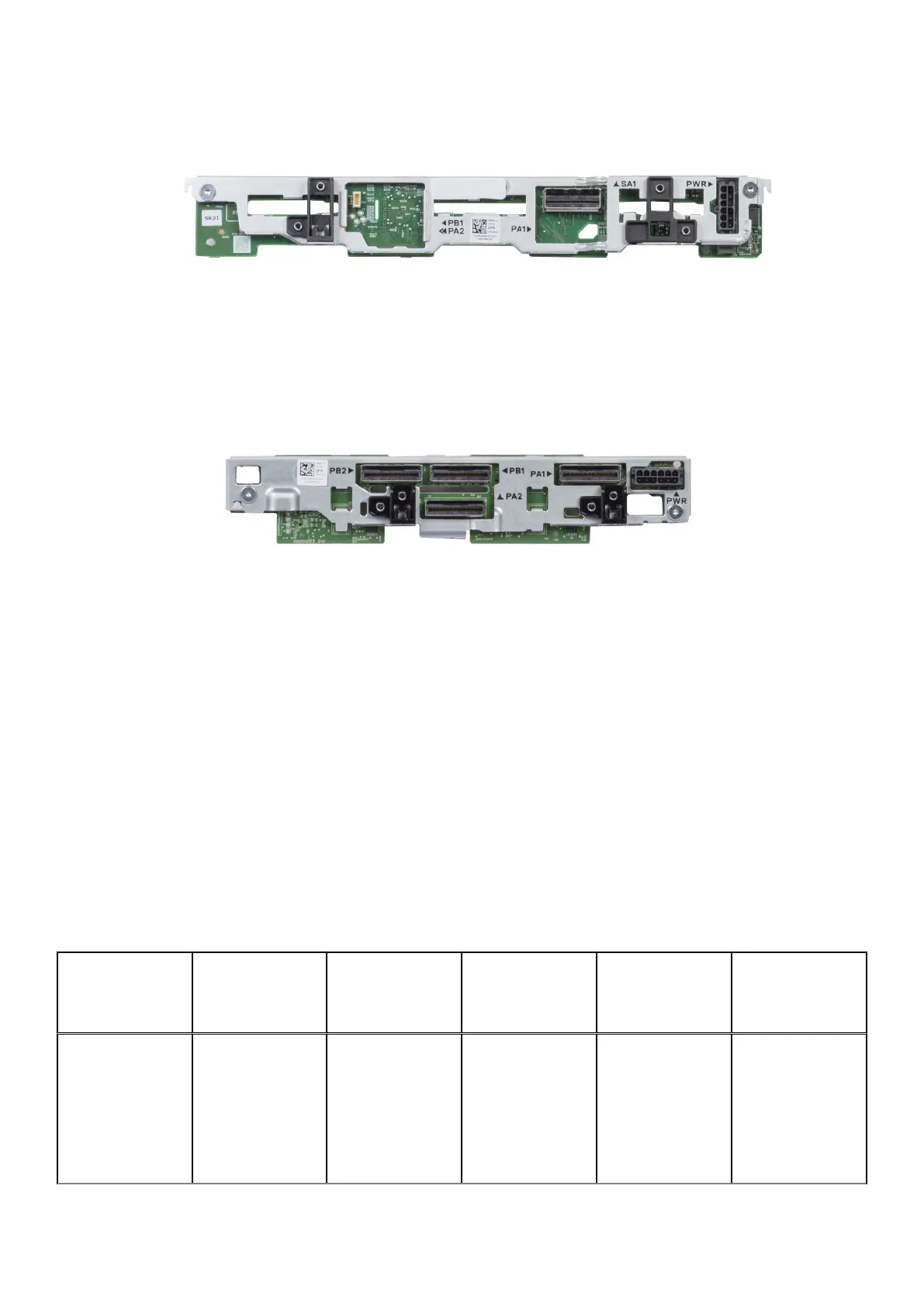
Figure 122. x6 SAS/SATA backplane
Figure 123. x8 EDSFF backplane
2. Identify the current system configuration (see column Upgrade from in the table) and the upgrade to configuration (see
column Upgrade to in the table).
3. Disconnect the card or cables (see column Disconnect and remove card or cables from the connector in the table) and
replace with the new card or cables (see column Replace with the card or cables in the table).
4. Setup the cables for the new configuration (see column Refer to cabling configurations in the table).
Topics:
• PERC H755 MX Upgrade kit
• PERC H965 MX Upgrade kit
• HBA350i MX Upgrade kit
PERC H755 MX Upgrade kit
The below table provides the upgrade kit information about PERC H755 MX available After Point of Sale (APOS):
Table 66. PERC H755 MX upgrade kit
Backplane
configuration
Upgrade from: Upgrade to: Disconnect and
remove card or
cables from the
connector (cable
marking):
Replace with the
card or cables
(cable marking):
Refer to cabling
configurations
X6 Universal
backplane
Onboard SATA/
SWRAID/NVME
H755 MX (NVME
HW RAID)
● SATA cable
(MB SL3 – BP
SA1)
● PCIE1 cable
(MB SL1 – BP
PA1)
● H755 MX card
● PCIEA cable
(CTRL_PA1 –
BP PA1 and BP
PB1)
● PCIEB cable
(CTRL_PB1 –
BP PA2)
Cable routing
> PCIe cabling
diagram of
configuration 2
- 6 x 2.5-inch
universal backplane
with H755 MX or
H965i MX
142 Upgrade Kits












 To Next Page