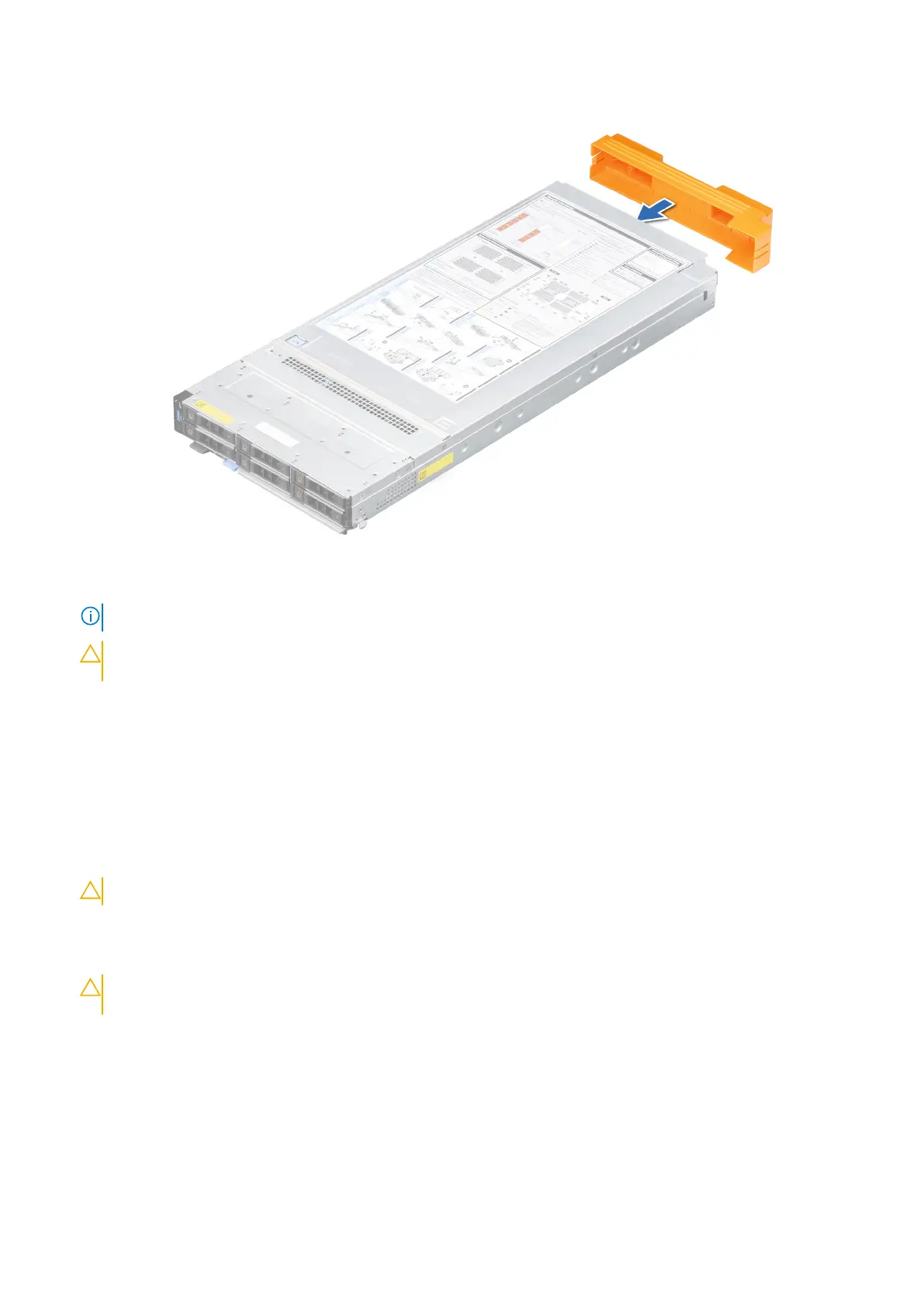
Figure 19. Installing the I/O connector cover on sled
NOTE: The color of the I/O connector cover may differ.
CAUTION: If you are permanently removing the sled, install a sled blank promptly. Operating the enclosure
without a blank, for an extended time can result in overheating or performance loss.
Next steps
1. Installing the sled into enclosure.
Installing the sled into enclosure
Prerequisites
1. Follow the safety guidelines listed in Safety instructions.
CAUTION: To prevent damage to the I/O connectors, do not touch the connectors or the connector pins.
Steps
1. Remove the I/O connector cover from the I/O connector(s) and store for future use.
CAUTION:
To protect the I/O connector pins, install the I/O connector cover every time a sled is removed
from the enclosure.
58 Installing and removing system components












 To Next Page