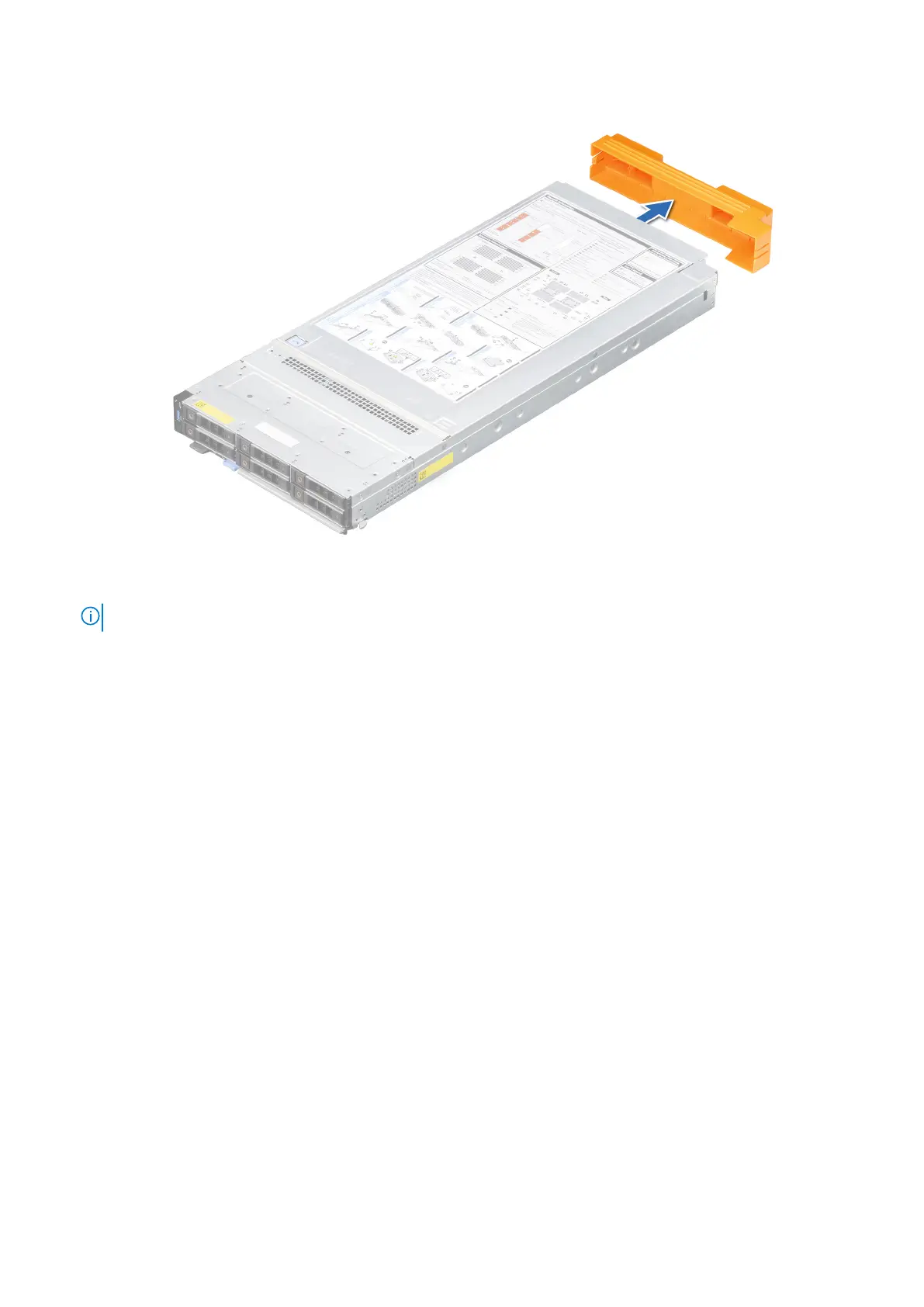
Figure 20. Removing the I/O connector cover from sled
NOTE: The color of the I/O connector cover may differ.
2. Press the blue release button on the sled to release the sled handle.
3. Holding the sled with both hands, align the sled with the compute sled-bay in the enclosure.
4. Slide the sled into the enclosure, until the sled handle is in the lock position.
5. Push the sled handle inwards so that it locks into place to secure the sled in the enclosure.
Installing and removing system components
59












 To Next Page