Table 71. System health and system ID indicator codes (continued)
System health and system
ID indicator code
Condition
Blinking blue Indicates that the system ID mode is active. Press the system health and system ID button to
switch to system health mode.
Solid amber Indicates that the system is in fail-safe mode. If the problem persists, see the Getting help
section.
Blinking amber Indicates that the system is experiencing a fault. Check the System Event Log for specific
error messages. For information about the event and error messages generated by the
system firmware and agents that monitor system components, go to qrl.dell.com > Look
Up > Error Code, type the error code, and then click Look it up.
Drive indicator codes
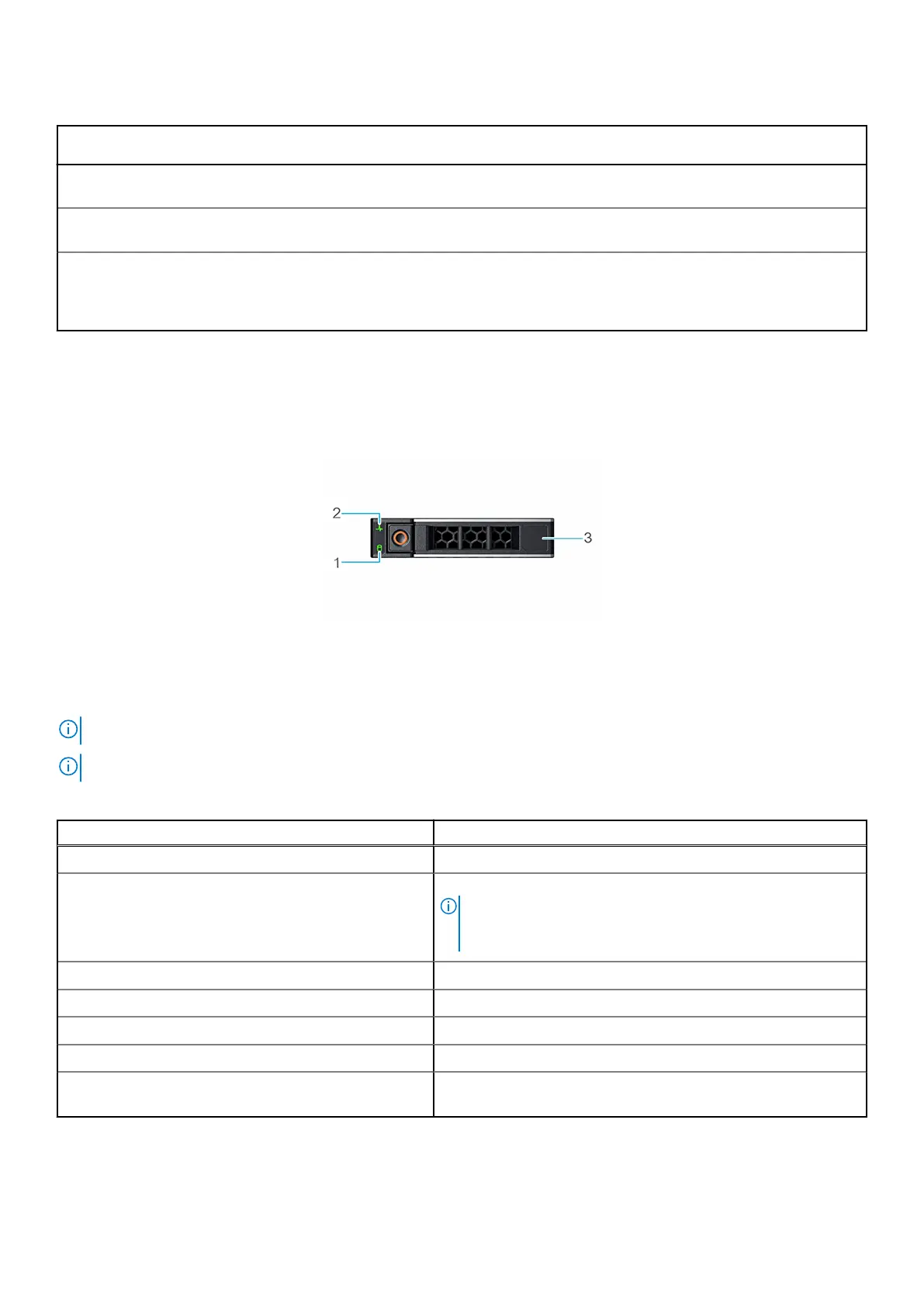
The LEDs on the drive carrier indicate the state of each drive. Each drive carrier has two LEDs: an activity LED (green) and a
status LED (bicolor, green/amber). The activity LED blinks whenever the drive is accessed.
Figure 127. Drive indicators
1. Drive activity LED indicator
2. Drive status LED indicator
3. Drive capacity label
NOTE: If the drive is in the Advanced Host Controller Interface (AHCI) mode, the status LED indicator does not power on.
NOTE: Drive status indicator behavior is managed by Storage Spaces Direct. Not all drive status indicators may be used.
Table 72. Drive indicator codes
Drive status indicator code Condition
Blinks green twice per second Indicates that the drive is being identified or preparing for removal.
Not powered on Indicates that the drive is ready for removal.
NOTE: The drive status indicator remains off until all drives
are initialized after the system is powered on. Drives are not
ready for removal during this time.
Blinks green, amber, and then powers off Indicates that there is an unexpected drive failure.
Blinks amber four times per second Indicates that the drive has failed.
Blinks green slowly Indicates that the drive is rebuilding.
Solid green Indicates that the drive is online.
Blinks green for three seconds, amber for three seconds,
and then powers off after six seconds
Indicates that the rebuild has stopped.
System diagnostics and indicator codes 149












 To Next Page