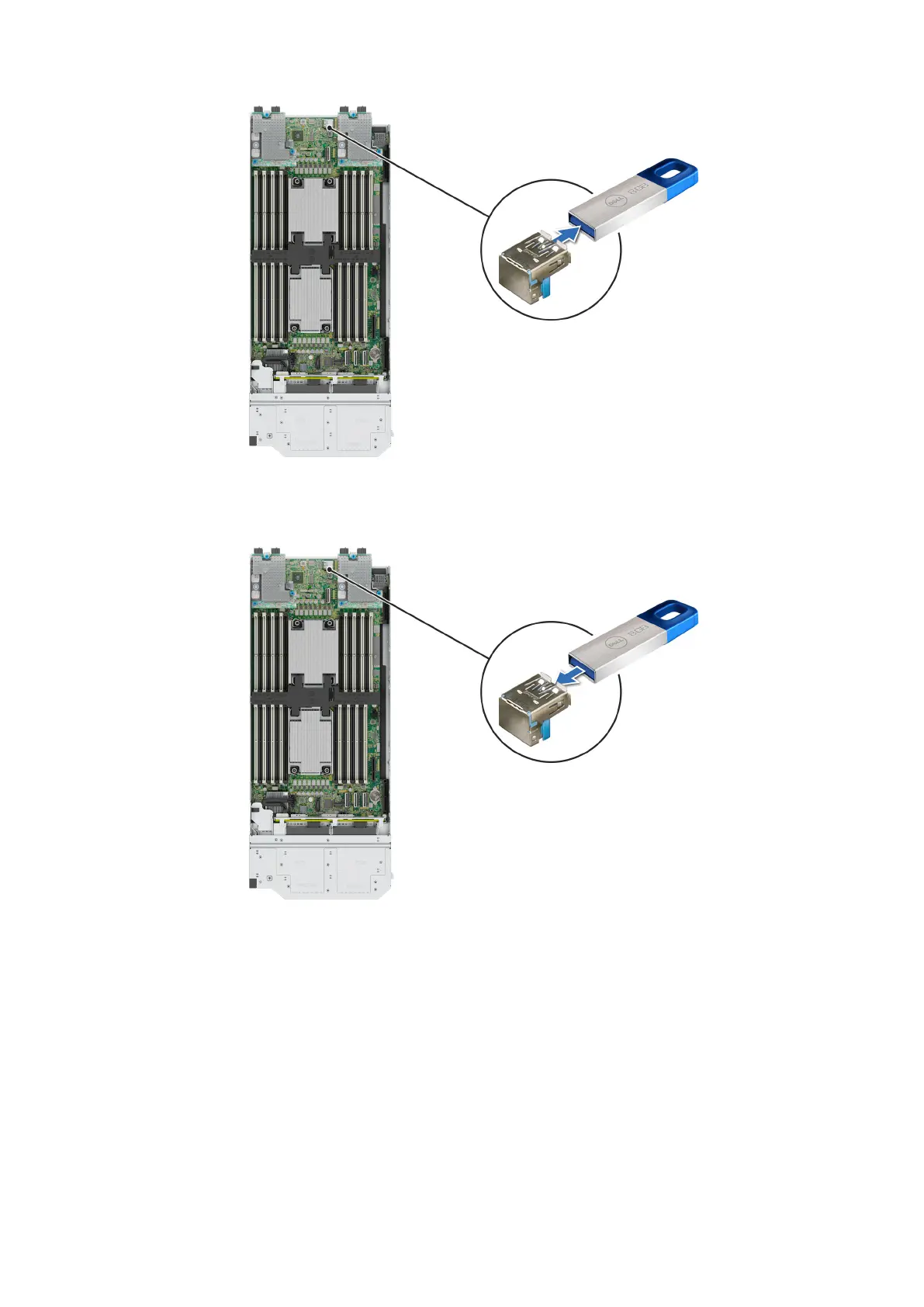
Figure 113. Removing the internal USB memory key
3. Insert the replacement USB memory key into the USB port.
Figure 114. Installing the internal USB memory key
Next steps
1. While booting, press F2 to enter System Setup and verify that the system detects the USB memory key.
2. Follow the procedure listed in After working inside your system
Installing and removing system components
133







 To Next Page