| 461
Print a file from an MSPS server with print feature settings
• To use this settings, Admin should enable the Display Print Options in the Print Setting tab.
1 Select the file from a folder to print and click on the Print button.
2 Tap on the Basic Print feature, set two-sided printing, output color, and number of
copies.
3 Click on the OK button.
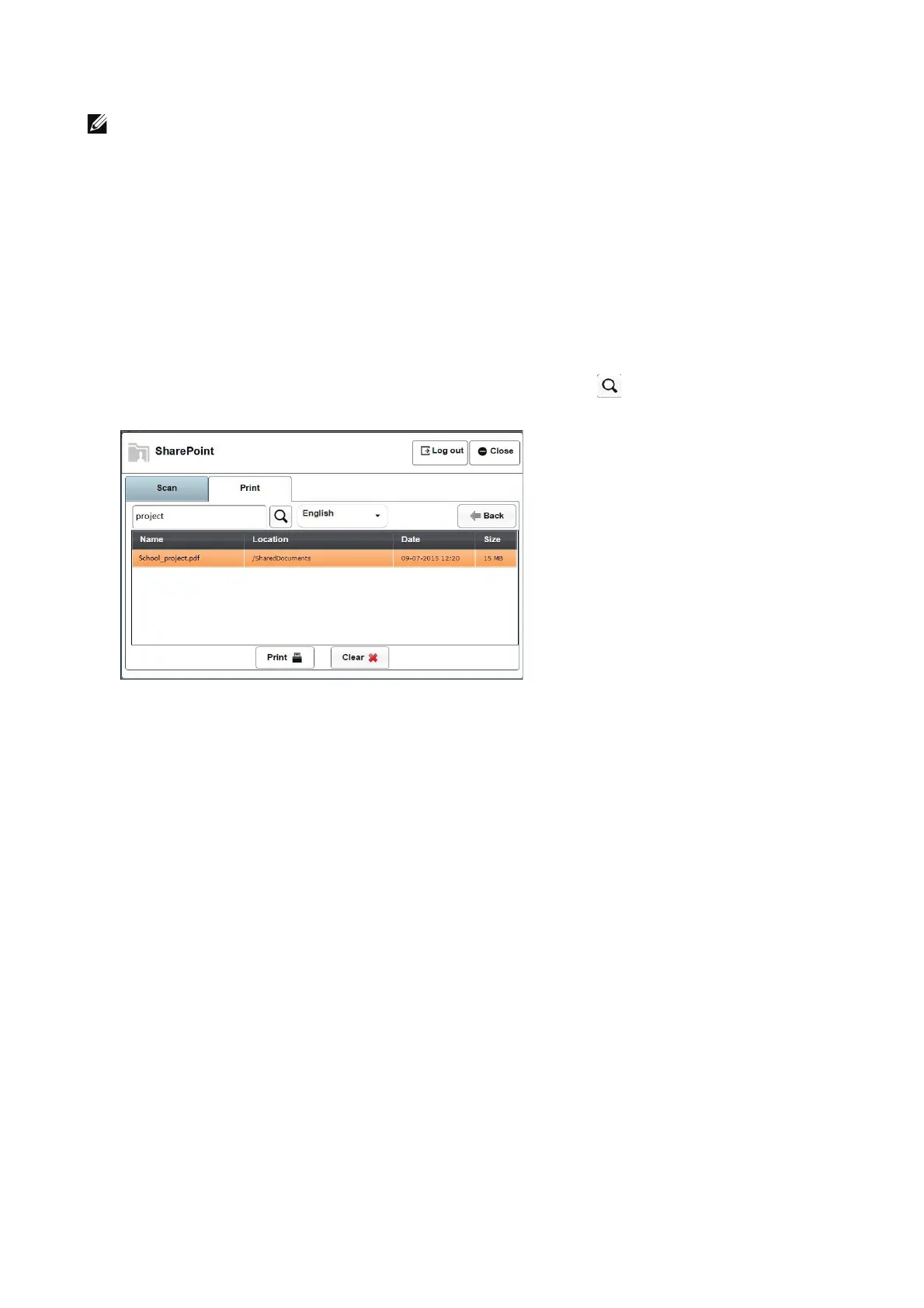
To search for PDF files stored in an MSPS site
1 Select Search button from the Print tab. This is to search for PDF file names and their
content.
2 Enter text in the search box and click on the search icon .
3 Select the file from the displayed list to print.












 To Next Page