CUBE 30 TOUCH | USER MANUAL
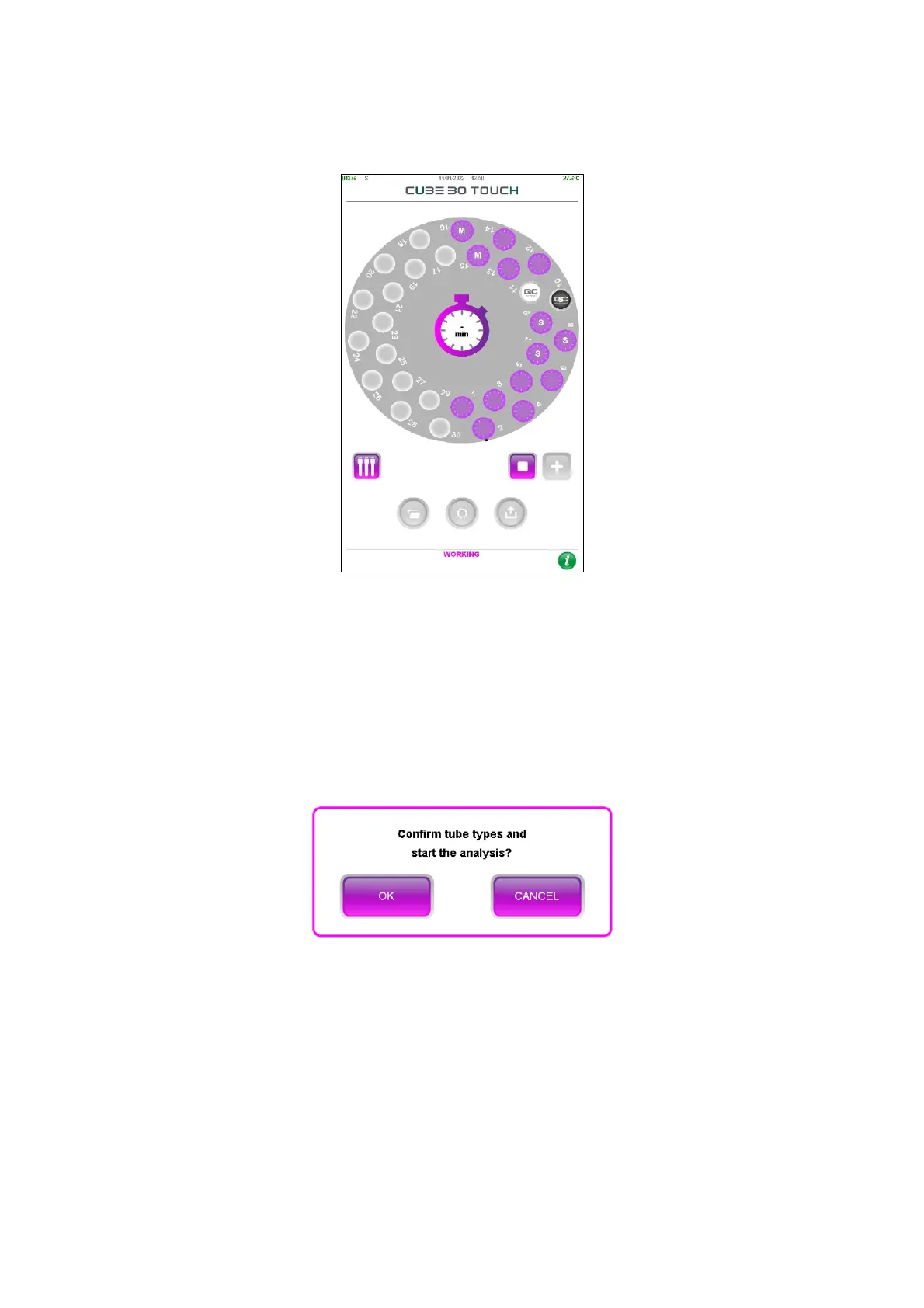
M identifies a MAP tube
P identifies a pediatric type of tube
Figure 35 - Types of tubes in the sample plate
The type of the tube can be changed by activating the ‘Tube type set pause’ setting
which allows the user to be able to change the tube type after the plate is scanned.
A timed pop-up message (15 seconds) will be displayed on the screen: the user can
confirm the types of tube and proceed with the analysis or cancel it to change the tube
types (Figure 36).
Figure 36 – Message tube type setting
If the user selects ‘CANCEL’ button, he can modify the type of tube with the following
procedure:
1) Select the sample position whose type of tube must be changed. The window
with the sample details (position, type of tube, sample ID ESR result) is displayed
on the screen.



 To Next Page