9.1 Cabling changes required when replacing a Dolby CP750
You must change the cabling when replacing a Dolby CP750 with a Dolby CP950.
This section describes the required cabling changes when replacing a Dolby CP750 with a Dolby CP950.
The pinout on the Dolby CP750 Main Audio Output is dierent from the pinout on the Dolby CP950 Channel
1-8 Analog Out. The Dolby CP750 uses a THX pinout, but the Dolby CP950 pinout conforms to the TASCAM
standard. The DB25 connector is male on the Dolby CP750 and female on the Dolby CP950.
Dolby sells a cable designed to quickly adapt the CP750 wiring to a CP950. The part number for this cable is
8322890.01.
9.2 Pinout information for replacing a CP750 with a CP950
This section provides pinout information for the changes you must make when replacing a Dolby CP750 with
a Dolby CP950.
There are three wiring change options:
• Changing the Dolby CP750 wiring to use a male connector with a dierent pinout.
• Removing the Dolby CP750 wiring and installing a new cable.
• Plugging a short adapter cable or DB25-DB25 adapter into the end of the Dolby CP750 wiring.
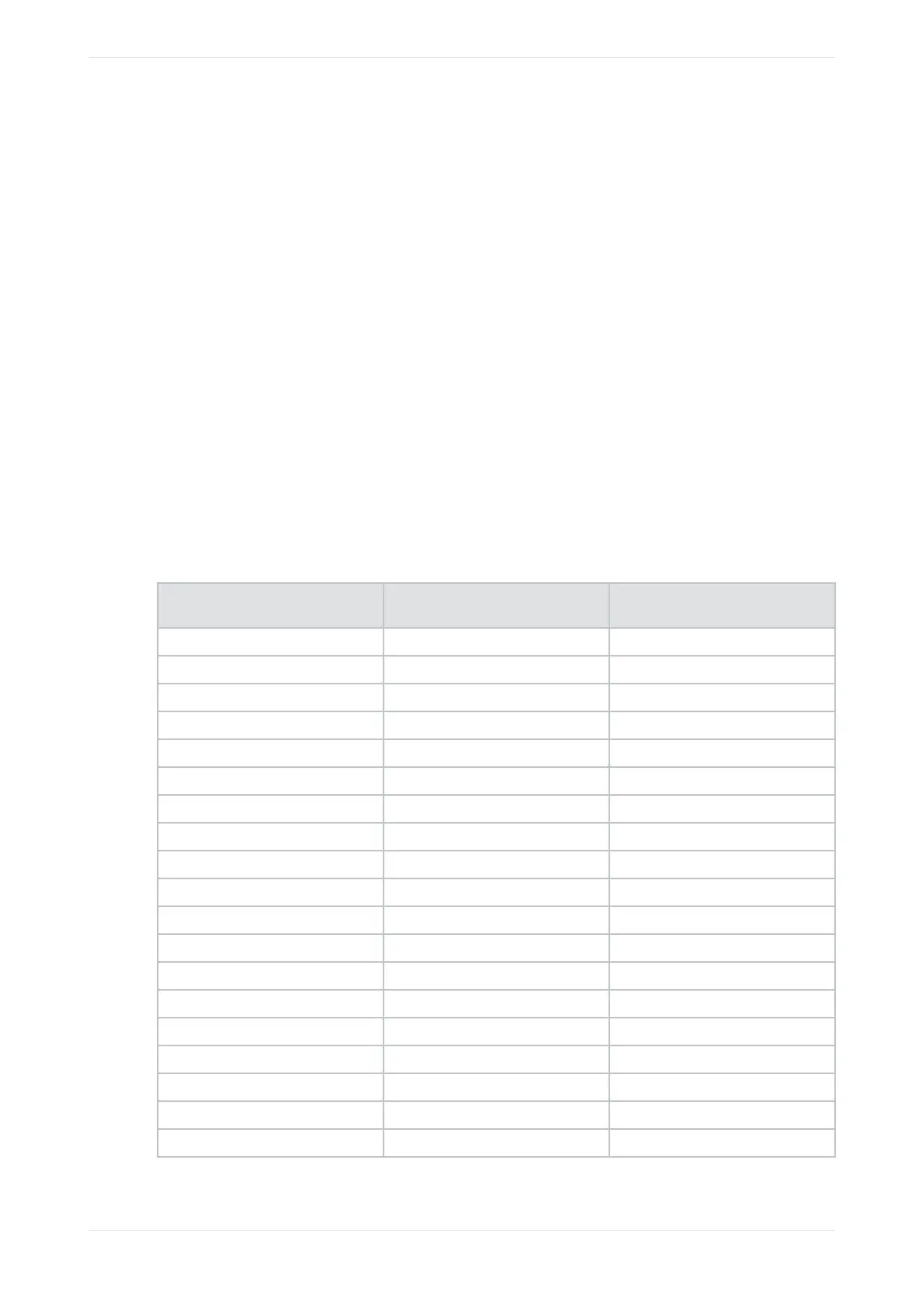
The required wiring pinouts are shown in the following table:
Table 17: Dolby CP750 to Dolby CP950 or CP950A wiring pinouts
Dolby CP750 cable pin number (must
be male)
Dolby CP950/CP950A cable pin
number (must be male)
Channel
1 2 Ground
2 24 L+
3 3 BsL-
4 5 Ground
5 21 C+
6 14 BsR-
7 8 Ground
8 10 R+
9 11 Ground
10 6 Ls-
11 17 Rs-
12 20 SW-
13 13 Ground
14 12 L-
15 16 Ground
16 15 BsL+
17 9 C-
18 19 Ground
19 1 BsR+
Cabling changes required when replacing a Dolby CP750
Dolby Cinema Processor CP950 and Dolby Atmos Cinema Processor CP950A Manual 151
Issue 9 Part Number 8800298 19 January 2022









 To Next Page