Figure 125: Potentiometer trimmer
• The web client UI also includes a digital trim that allows you to make fine adjustments.
• The system automatically saves the RTA mic input level adjust value in its last position and performs
calibration at that level. You can now proceed with the EQ.
• You can now perform EQ for each individual speaker (or group of speakers on a single output). Refer to
the RTA and adjust the 1/3 octave graphic EQ to bring the measured frequencies close to the x-curve line.
Use industry best practices to make calibration decisions.
Note: For some multiway speakers, it may be better to adjust the amplifier gains. In some cases, a
speaker may not be capable of producing very low or very high frequencies. For improved low
frequencies on surround speakers, you can apply bass management. If the correct level on high
frequencies is not reachable, you could add too much boost and wear out the drivers.
• Aer calibrating the individual speakers, you may need to calibrate speakers in an array. If you have only
one speaker feed per wall, this is not needed (as shown previously for the output levels).
4.1.4 Fine tuning with the Grossman eq
You can use the Grossman eq to fine tune room settings.
About this task
Grossman eq is an equalization tool that enables finer room tunings. It is provided for technician- or admin-
level users. As you zoom in on the display, it allows you to control narrowband EQ. This tool displays an
interface that provides users with the ability to utilize the one-twelh octave capabilities of the Dolby CP950
equalizer. The existing bass, treble, and one-third octave controls provide broadband equalization at fixed
frequencies that limit equalization flexibility. Grossman eq provides controls that allow users to narrowly or
broadly adjust the frequency response at any point from 20 Hz to 20 kHz.
Procedure
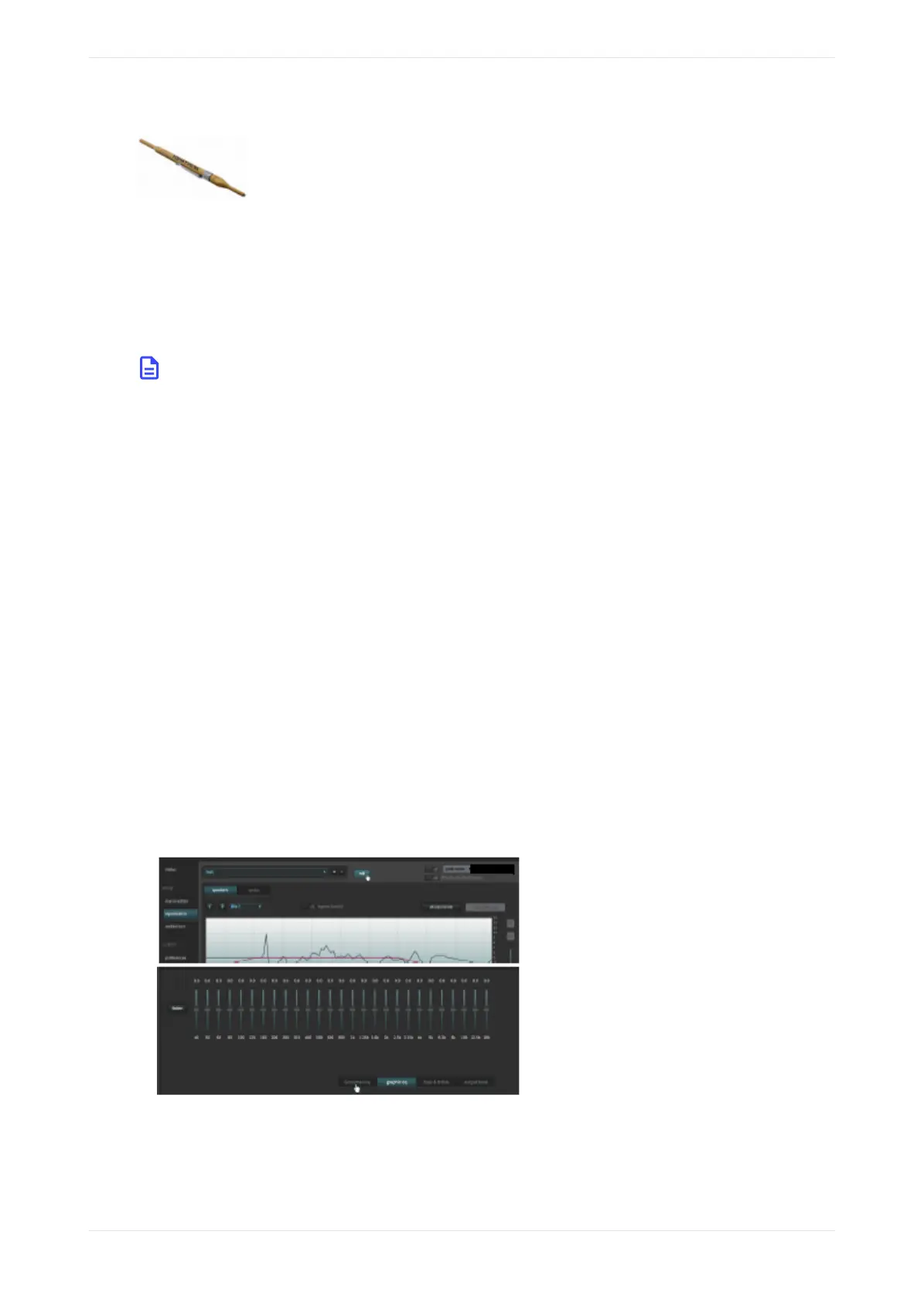
1. When you click equalization in the navigation bar, and then click the edit button to edit equalization for
one of your custom presets, a Grossman eq button appears in the equalization screen (to the le of the
graphics eq button), as shown in the following figures.
Figure 126: Grossman eq button
2. When you click the Grossman eq button, the Grossman eq screen appears.
The example in the following figure shows a graph that displays a Grossman eq frequency curve (in green)
that a user can create by utilizing the specialized Grossman eq tools that are shown in the figure (and
Configuring equalization with the CP950 real-time analyzer
Dolby Cinema Processor CP950 and Dolby Atmos Cinema Processor CP950A Manual 95
Issue 9 Part Number 8800298 19 January 2022









 To Next Page