3.10 Rebooting the system
You can reboot the system from the system menu.
Procedure
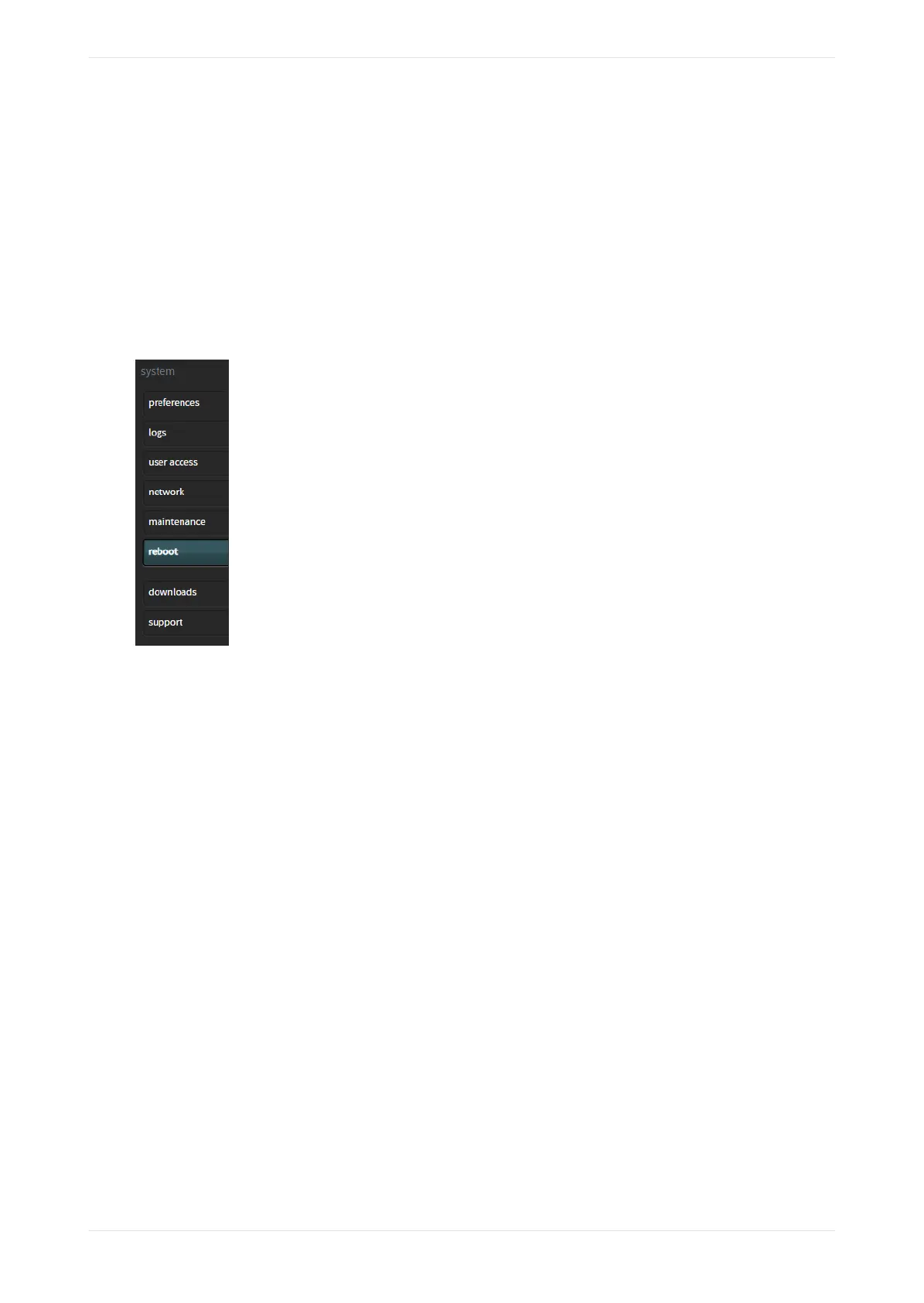
If you have technician‐ or administrator‐level access, you can reboot the Dolby CP950/CP950A by clicking
reboot in the system menu, as shown in the following figure, and then clicking the displayed reboot button.
A prompt appears where you need to enter your password. Note that this is a so system reboot and may not
fix some problems that you may experience. In some situations, a hard reboot (removing the power cord for
10 seconds) can be very useful if you are troubleshooting a system lockup.
Figure 107: Reboot
3.11 Downloading CP950 and CP950A essentials
Y
ou can access essential items by clicking downloads in the system menu.
You can access:
• This CP950/CP950A manual.
• Soware documentation.
• Dolby Atmos Designer soware (Microso Windows and Apple Macintosh versions).
• Web services WSDL/SOAP document that provides information for controlling the CP950/CP950A using an
application programming interface (API). With the release of the CP950A, there is a new version of the
web services API. There is still some support for version 1.1, which is backward compatible with the
CP850, but we highly recommend using the newest API. Commands and polling information are included
in this web services file.
• Simple Network Management Protocol (SNMP) management information base (MIB) files for remote
monitoring.
• CP950A Certificate. This public key certificate is used to create Dolby Atmos playback keys for the CP950A
when configured with an IMS3000 or other devices that use dual KDM protocols. (Not available on the
CP950.)
• End-user License Agreement (EULA).
Working with the web client user interface
Dolby Cinema Processor CP950 and Dolby Atmos Cinema Processor CP950A Manual 82
Issue 9 Part Number 8800298 19 January 2022









 To Next Page