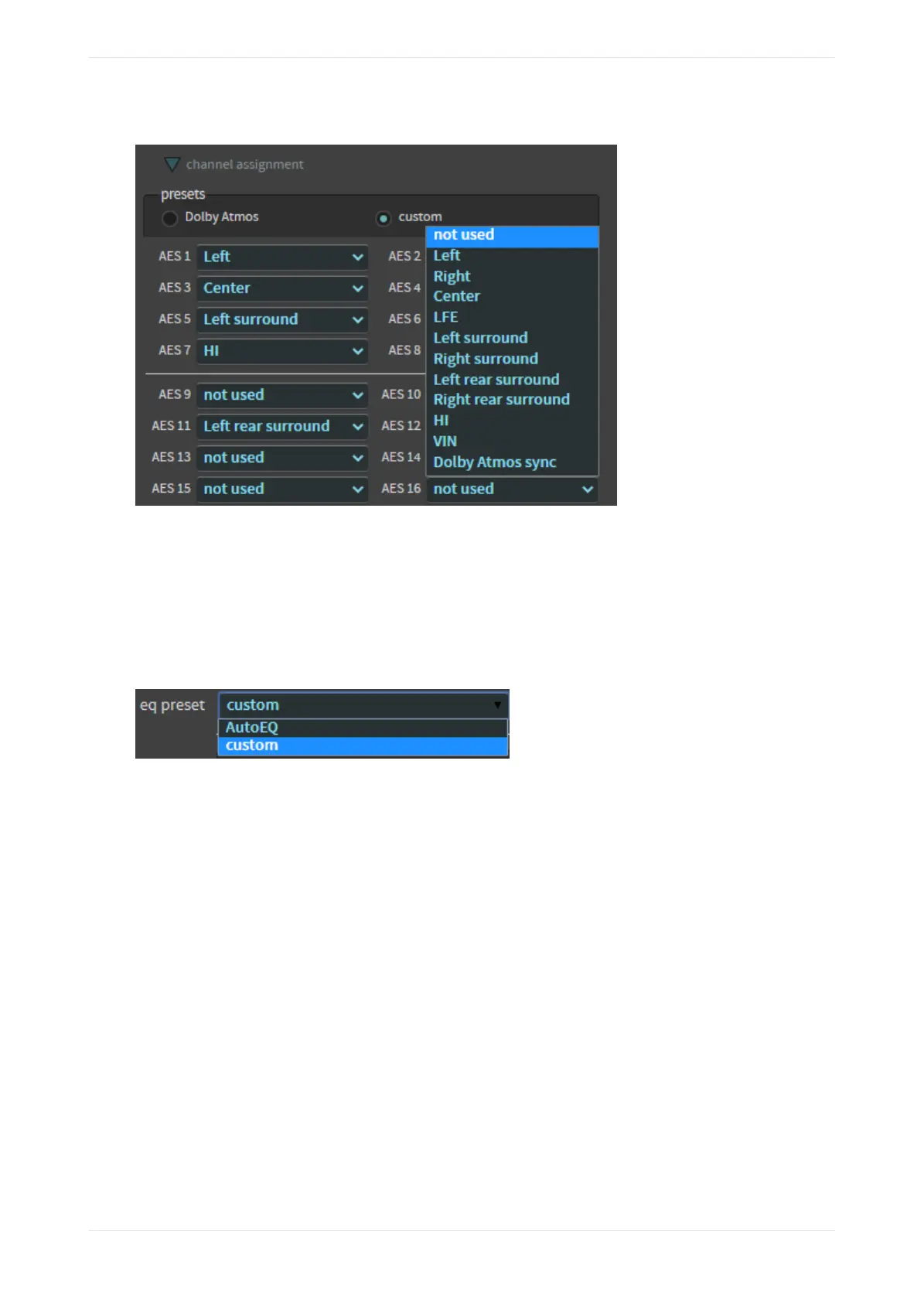
Figure 64: Customize channel assignments
3.2.12 EQ preset
If one or more EQs is loaded in the system, you can select the equalization (EQ) preset parameters.
Click on this field to select the equalization eq preset parameters you want to use for your macro. These
parameters are either the automated equalization (AutoEQ) settings or any custom settings that were
created.
Figure 65: Select an EQ Preset
Related information
Displaying the equalization screen on page 56
3.3 Displaying the equalization screen
The equalization screen enables you to calibrate the CP950/CP950A to reproduce audio in a unique
auditorium sound field.
You can do this as a stand-alone operation in the Dolby CP950/CP950A web client, or in conjunction with
Dolby Atmos Designer (DAD) version 3.3.7 or later. DAD is a separate application that allows advanced users
to configure speakers, crossovers, outputs, amplifiers, and so on. Authorized users can download the current
version of DAD soware, release notes, and manual at https://customer.dolby.com. You can also access the
manual from the DAD soware Help menu.
This section provides a brief overview of some of the parameters in the equalization screen. For additional
descriptions of these and other equalization (EQ) parameters and instructions for configuring equalization,
see Chapter 4.
To access EQ in the web client, select equalization in the setup menu, as shown in the following figure.
Working with the web client user interface
Dolby Cinema Processor CP950 and Dolby Atmos Cinema Processor CP950A Manual 56
Issue 9 Part Number 8800298 19 January 2022









 To Next Page