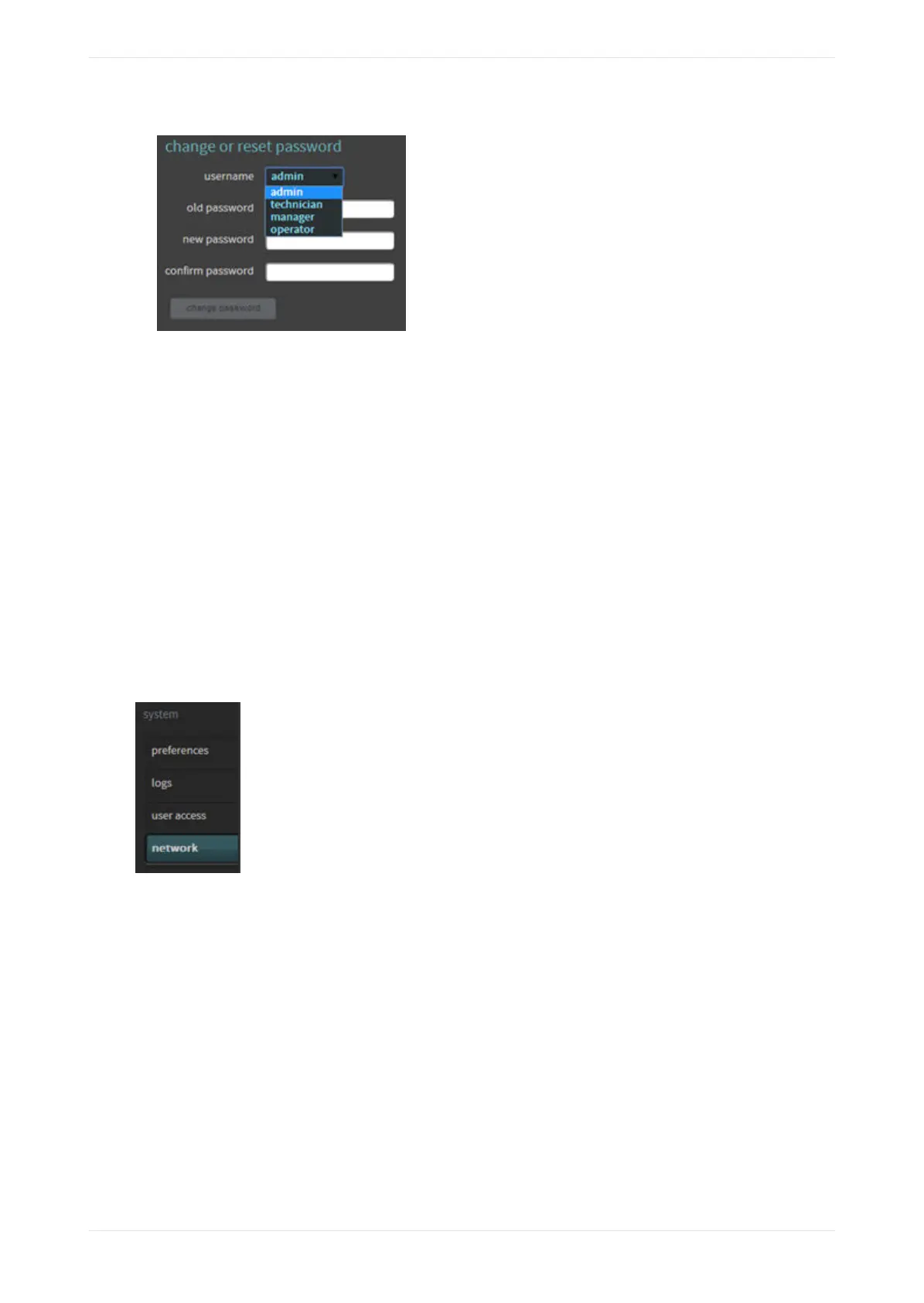
Figure 97: Username menu
3. Select a user name, enter the old password, enter the new password, and then confirm the new password
in the respective fields.
• The default passwords are the same as the user names. Following are the capabilities at each user
level:
• operator: Access status screen, change macros, fader, and monitor selection. View auditorium
configuration and event logs. Download event logs.
• manager: Access all operator‐level tasks and edit macros. Change the operator-level password.
• technician: Access all manager‐level tasks. Perform manual equalization, change network settings,
clear event logs, update system soware, manage system settings, reboot system, and change the
operator‐ and manager‐level passwords.
• admin: Access all technician‐level tasks, and change the operator‐, manager‐, and technician‐level
passwords.
3.8 Modifying the network settings
To modify the network settings, select network in the system menu.
Figure 98: Select network
The network screen appears, as shown in the following figures. In this screen, you can change the host
name, specify a Network Time Protocol (NTP) server, and modify the IP configuration for the command
network port by clicking on manual and entering the desired settings.
Modifying the network settings
Dolby Cinema Processor CP950 and Dolby Atmos Cinema Processor CP950A Manual 73
Issue 9 Part Number 8800298 19 January 2022









 To Next Page