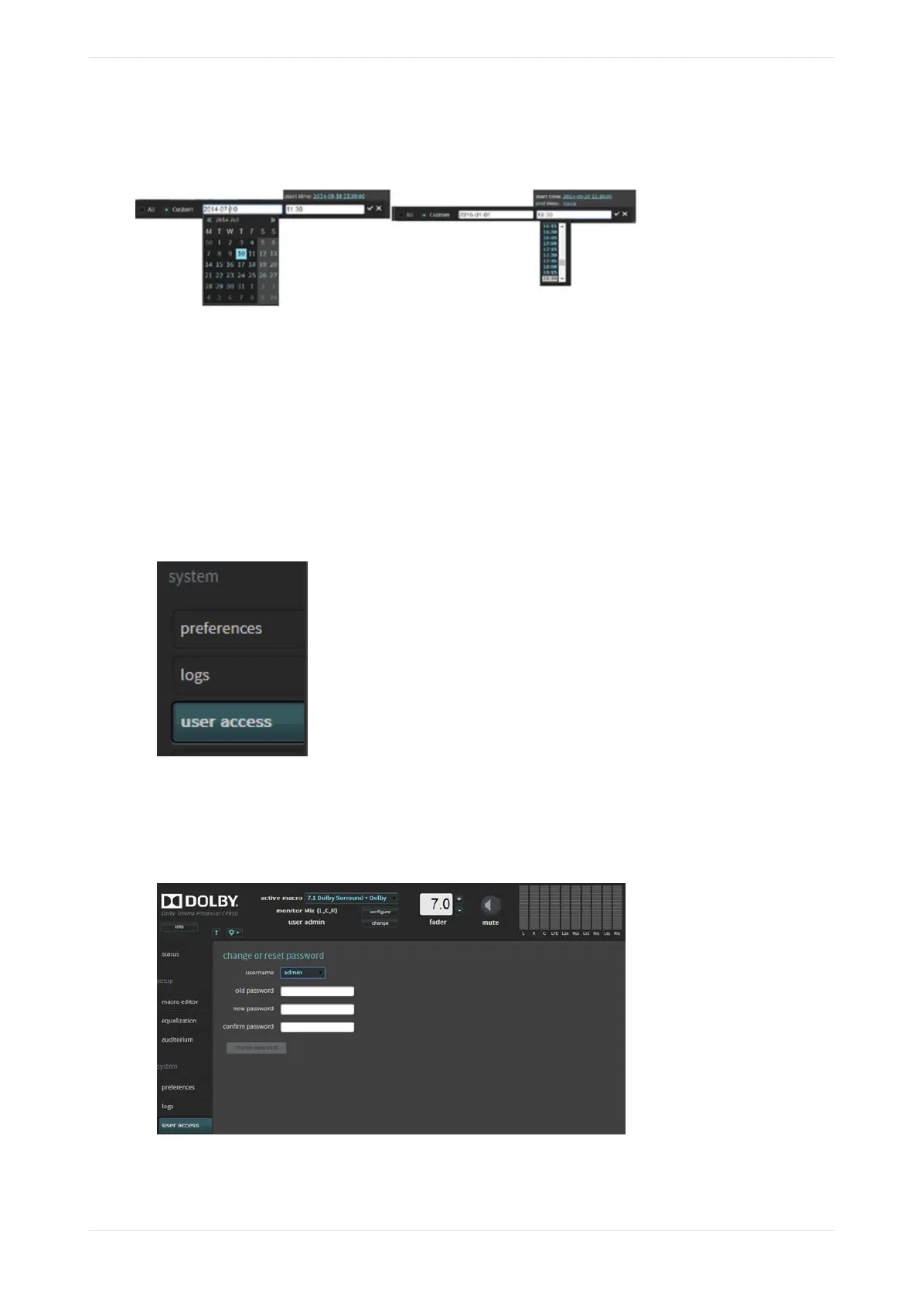
All). However, when you download logs, the system does not use these time frames. All logs are downloaded,
regardless of time frames.
Figure 94: Start time/end time fields
3.7 Setting up user access
You can set up user access for your login and other users’ logins.
About this task
You need administrator privileges to set up user access.
Procedure
1. Select user access in the system menu, as shown in the following figure.
Figure 95: Select user access
The user access screen appears. In this screen, if you are a system administrator, you can change (or
reset) the default administrator password (admin) and set up (or reset) user access and passwords for all
other users. The other access levels have default passwords that match their logins (technician/
technician, manager/manager, operator/operator).
Figure 96: User access screen
2. Click the username field.
The username menu appears with a list of all user levels, as shown in the following figure.
Working with the web client user interface
Dolby Cinema Processor CP950 and Dolby Atmos Cinema Processor CP950A Manual 72
Issue 9 Part Number 8800298 19 January 2022









 To Next Page