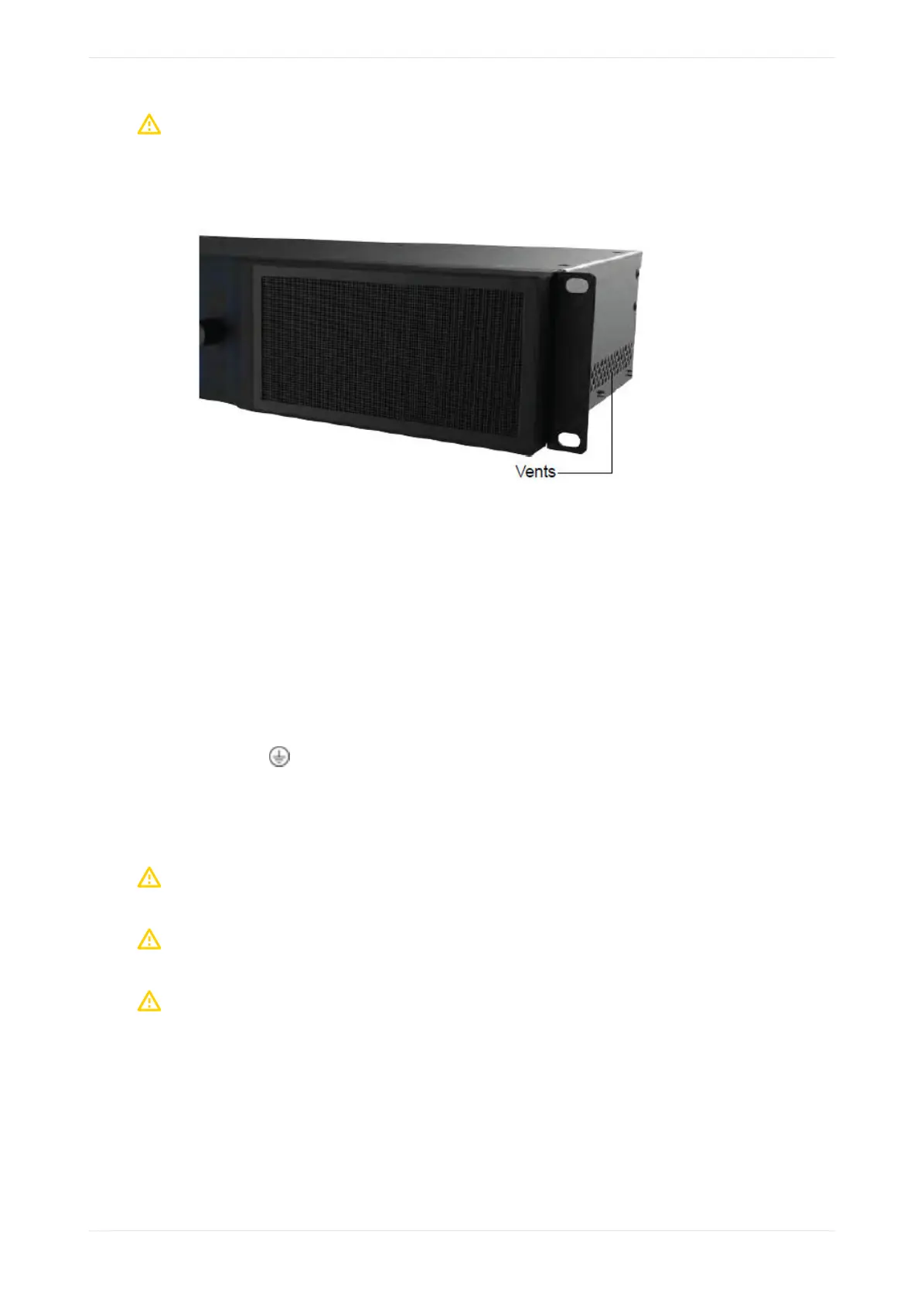
Caution: To ensure proper ventilation, do not block the Dolby CP950/CP950A ventilation cutouts on
the right side of the unit. In addition, do not block the rear-panel fans or the air flow exiting the rear
section of the unit.
Figure 12: Ventilation cutout locations
2.3 Mains power wiring
As the colors of the cores in the mains lead may not correspond with the colored markings identifying the
terminals in your plug, proceed as follows:
• Brown wire: Live or hot
• Blue wire: Neutral
• Green wire: Mains ground
In some countries, the primary mains cable may not have a connector fitted. Nonterminated leads must be
properly wired to an approved mains connector in accordance with the following international code:
• The green and yellow core must be connected to the terminal in the plug identified by the letter E, or by
the earth symbol , or colored green, or green and yellow.
• The blue core must be connected to the terminal marked with the letter N or colored black.
• The brown core must be connected to the terminal marked with the letter L or colored red.
• The plug must only be installed onto stripped end cords by qualified service personnel.
• The international power cord is not intended for use in North America.
Caution: This apparatus must be earthed (grounded) by connecting to a correctly wired and earthed
power outlet.
Caution: Ensure that your mains supply is in the correct range for the input power requirement of the
unit.
Caution: If you are uncertain about the wiring of your AC mains outlet, do not use it. Consult a
qualified electrician.
Installing the Dolby CP950 or CP950A in a Dolby Digital Cinema network
Dolby Cinema Processor CP950 and Dolby Atmos Cinema Processor CP950A Manual 26
Issue 9 Part Number 8800298 19 January 2022









 To Next Page