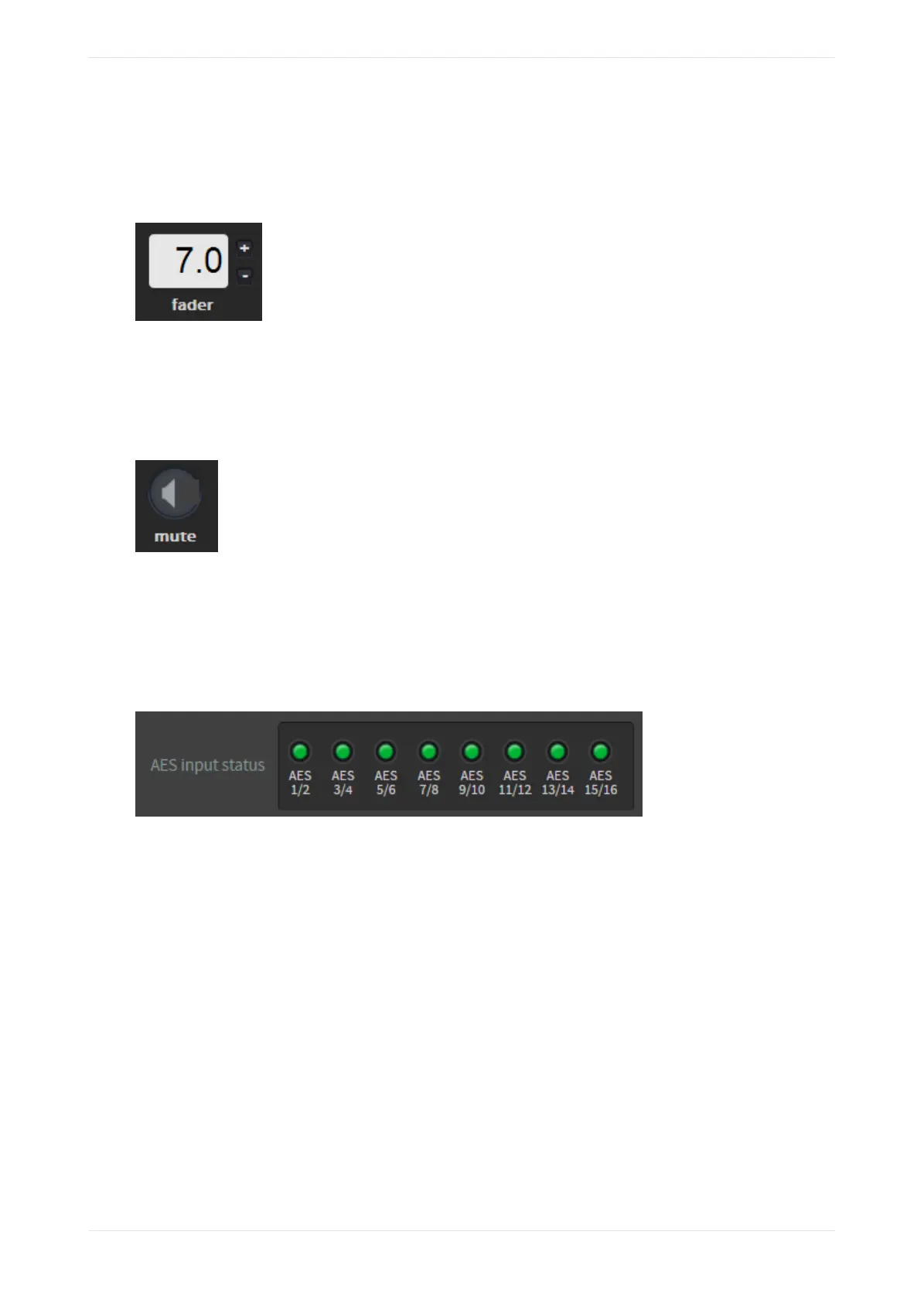
3.1.4 Fader field
Increase or decrease the volume by clicking the plus (+) or minus (-) buttons or by entering the desired value
in this field.
Figure 38: Fader field
3.1.5 Mute button
Click this button to mute and unmute all outputs from the system. Note that all inputs are still active, and the
meters continue to display activity.
Figure 39: Mute button
3.1.6 AES input status display color indicators
In the AES input status display, you can check the current state of the Dolby CP950/CP950A input channels,
which is indicated in small circles, as shown in the following figure. These indicators represent the 8x AES IN
input or the 1x AES IN input.
Figure 40: AES input status display
Following are the color indicators that define the current state of the Dolby CP950/CP950A input channels:
• Green indicates a good connection. Includes channel pairs required by the active macro with a good
connection (defined as an active AES3 input). In addition, it includes channel pairs not required for the active
macro with a good connection.
• Red indicates no active AES3 connection. Includes channel pairs that are required by the active macro and
are not connected.
• Gray indicates channel pairs that are not required by the active macro and are not connected (no active
AES3 connection).
• Yellow indicates an intermittent connection over AES3 that is currently connected. This occurs if the media
block was power cycled, or if the cables were unplugged and replugged (or not connected securely).
Changing or reselecting a macro (or restarting the CP950/CP950A) returns the status state to green. Aer 1-2
minutes of constant, stable connection, these indicators return to green. Note that some sources briefly drop
out during normal operation, such as a transition between MPEG and JPEG-2000 content, so yellow
indicators immediately following clip transitions, or aer a source is power cycled, probably do not indicate
an issue. If yellow lights are constantly observed during playback, we recommend that you review the
connections between the CP950 or CP950A and the source device to validate that all cables and adapters are
properly shielded and intact.
Working with the web client user interface
Dolby Cinema Processor CP950 and Dolby Atmos Cinema Processor CP950A Manual 44
Issue 9 Part Number 8800298 19 January 2022









 To Next Page