Issued June 2020
Operation
Copyright 2020, Heil Environmental
Printed in U.S.A.
95
UNLOADING EJECT UNITS
After positioning unit on firm stable ground for unloading at
the landfill and setting up as described in Setting Up Eject
Units for Unloading, follow this procedure to unload a
eject unit.
WARNING
Stand clear when body is raised or unloading.
WARNING
Keep access doors closed when packer is in motion.
ALWAYS raise the tailgate BEFORE raising body.
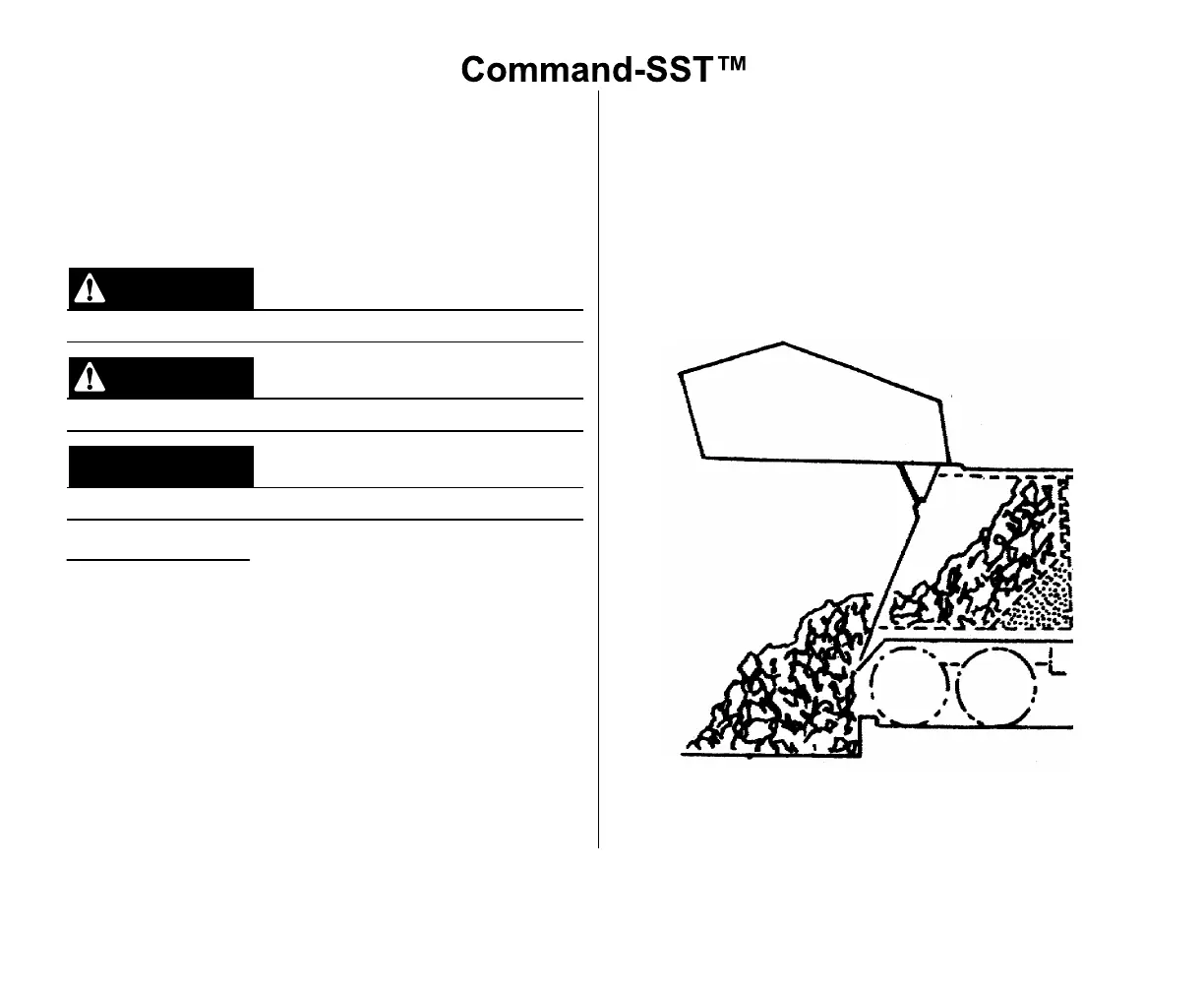
Emptying the Body
1. With the tailgate completely raised, EJECT (remove)
the refuse by depressing the PACK EXT button on
the Main Push Button Controls (located in the cab)
until the refuse is to the end of the hopper. Release
the button.
2. Depress and HOLD the PACK RET button to fully
retract the packer to the front head, allowing refuse
at the top of the body to fall down. Release the
button.
3. Depress and HOLD the PACK EXT button again until
packer is halfway in body. Release the button.
4. Depress and HOLD the PACK RET button to fully
retract the packer to the front head. Release the
button.
5. Depress and HOLD the PACK EXT button again until
all refuse is emptied out of the body and the packer
panel comes to a complete stop. Release the button.
6. To retract the panel, depress and HOLD the PACK
RET until panel is completely retracted forward into
the body. Release the pushbutton.
Figure 50. Ejecting the Refuse



 To Next Page