Issued June 2020
Operation
Copyright 2020, Heil Environmental
Printed in U.S.A.
60
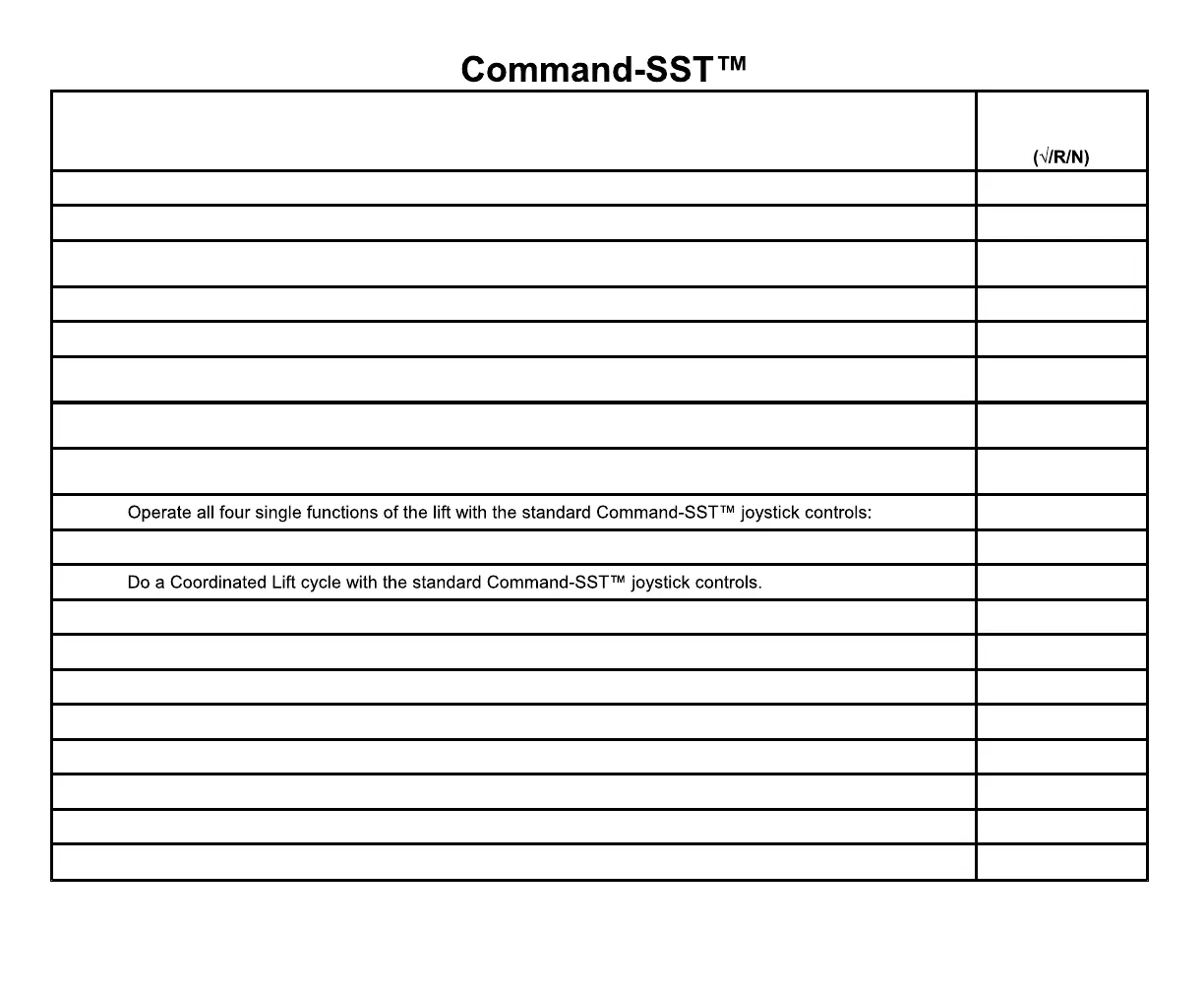
Push the System Power knob DOWN – the switch’s red light is OFF and the PUMP ON light is OFF
Pull the System Power knob UP – the switch’s red light is ON and the PUMP ON light is ON
The FILTER CHANGE light is OFF. If not, and the filter was not changed before starting the unit, report this
to your supervisor immediately. DO NOT go on route until the unit is repaired if the filter was not changed
Operate the packer in the auto mode – the packer does one extend and retract cycle
Operate the packer in the manual mode – manually extend and retract the packer
Start a packer extend operation then press the Retract button. The packer should stop extending and
move towards the cab.
Start a packer retract operation then press the Extend button. The packer should stop retracting and move
towards the body.
The TRANS TEMP light is OFF. If not, report this to your supervisor immediately. Do not go on route until
the unit is repaired
OUT, IN, RAISE, LOWER, DUMP and UNDUMP
For Service Hoist units, if the body has refuse:
Raise the body slightly – the BODY T/G UP light and alarm are ON
Lower the body completely until it rests on the chassis
The BODY T/G UP light and alarm are OFF
For Service Hoist units, if the body does not have refuse, use the in-cab controls and:
The BODY T/G UP light and alarm are ON
Make sure the body props rotate fully down, then store the body props



 To Next Page