Instructions for use Babyleo TN500 SW 1.0n 45
Operating concept
4 Operating concept
4.1 Display unit
This chapter describes how to change the therapy settings using the display unit.
The chapter also explains how the device supports the user in operating the device
by means of visual and textual indicators (color signals, information texts, alarm
texts).
4.1.1 Selecting a therapy mode
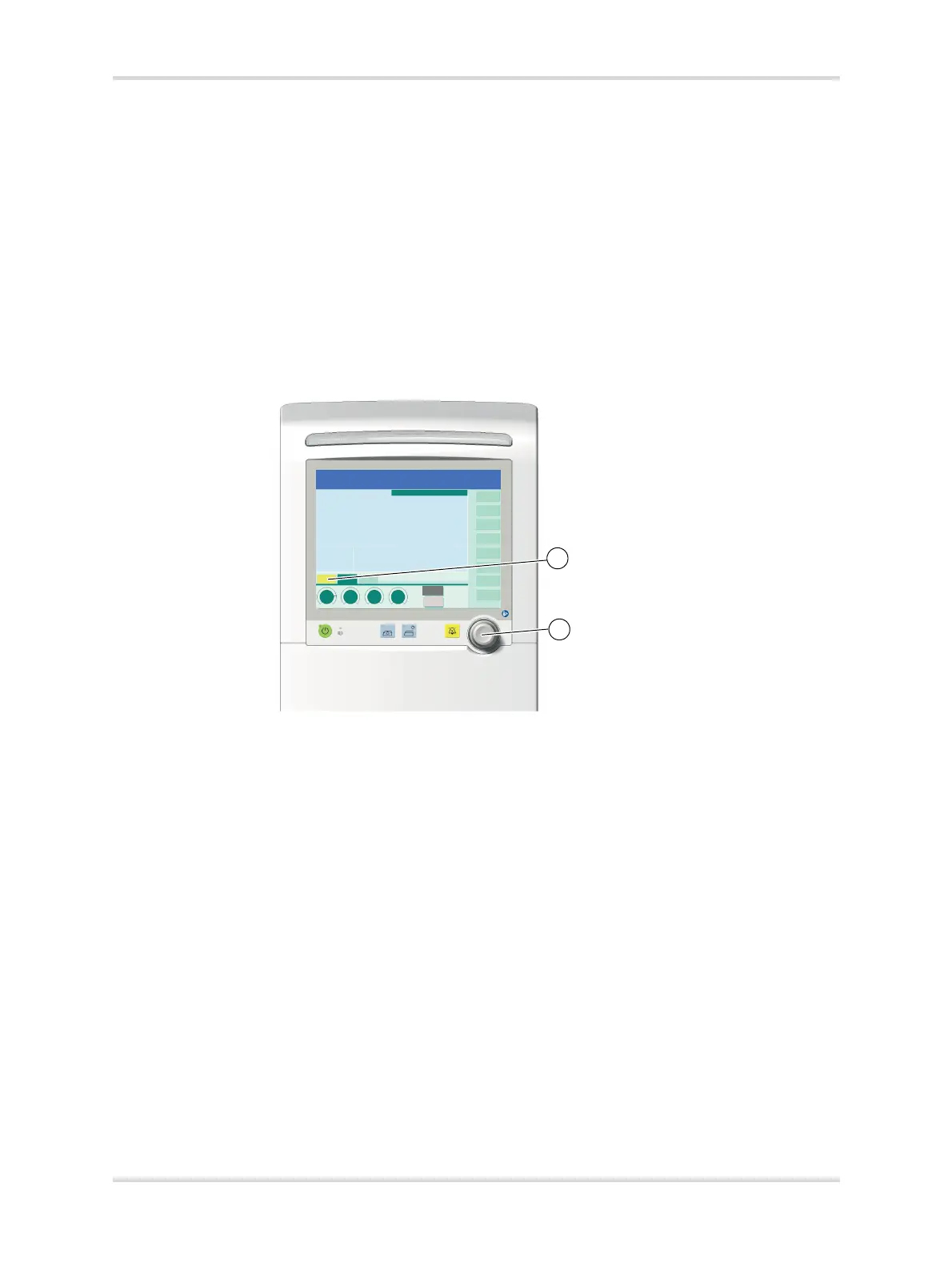
1 Touch the tab (1) on the user interface (e.g., the Skin mode tab).
The tab turns yellow.
Fig. 18 Selecting a therapy mode
2 Press the rotary knob (2) to confirm.
The selection is adopted.
✓ The tab turns dark green.
30607














 To Next Page