64 Instructions for use Babyleo TN500 SW 1.0n
Operation
6.2 Switching on the device
This chapter describes how to switch on the device.
Prerequisites:
– There is no mains power supply to the device.
– The device has been reprocessed and assembled ready for operation.
– The user has checked that the device is complete and is free from defects.
The device carries out an automatic selftest when it is switched on. If the device
detects a fault, a corresponding message or an alarm is displayed. The
automatic self-test checks, e.g., the functional integrity of the primary and
secondary alarm systems and the power supply of the device. For further
information, see the following chapter: ''Automatic selftest'' (page 202)
Procedure:
1 Plug in the mains plug.
2 Switch on the device at the main switch on the rear of the main column (position
I).
The start process commences and lasts about 7 seconds.
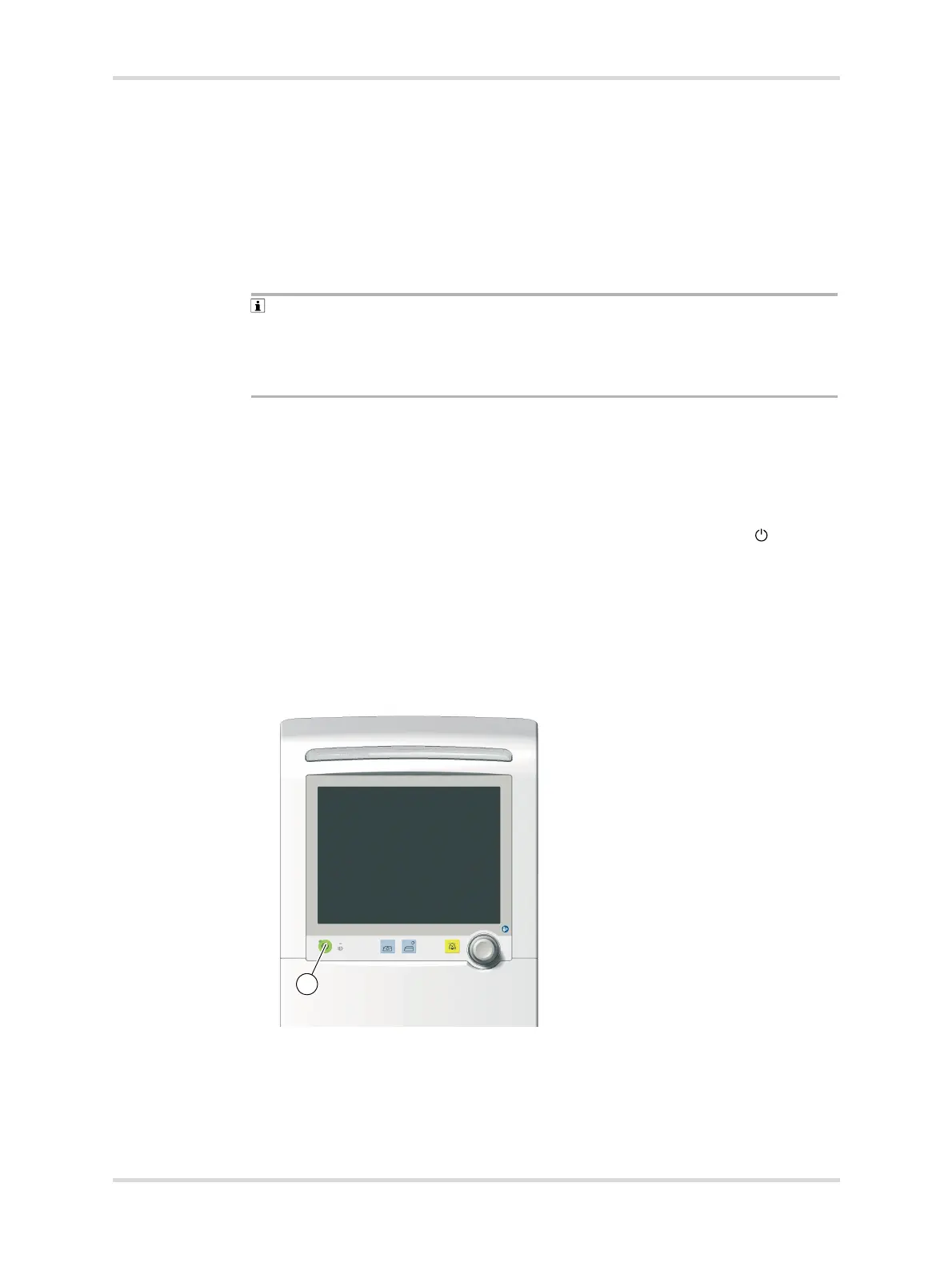
3 Switch on the device on the display unit using the Start/standby key (1).
The device carries out an automatic selftest.
4 Check the following points shortly after switching on the device:
– An acoustic signal sounds (power failure alarm).
– The power supply indicator next to the Start/standby key lights up red.
– Another acoustic signal sounds (alarm system).
– The alarm light lights yellow and red alternately.
Fig. 32 Start/standby key on the display unit
5 Check that the touch screen and rotary knob are working correctly.
✓ Once the automatic selftest has been completed, the main screen is displayed.
27215














 To Next Page