Instructions for use Babyleo TN500 SW 1.0n 47
Operating concept
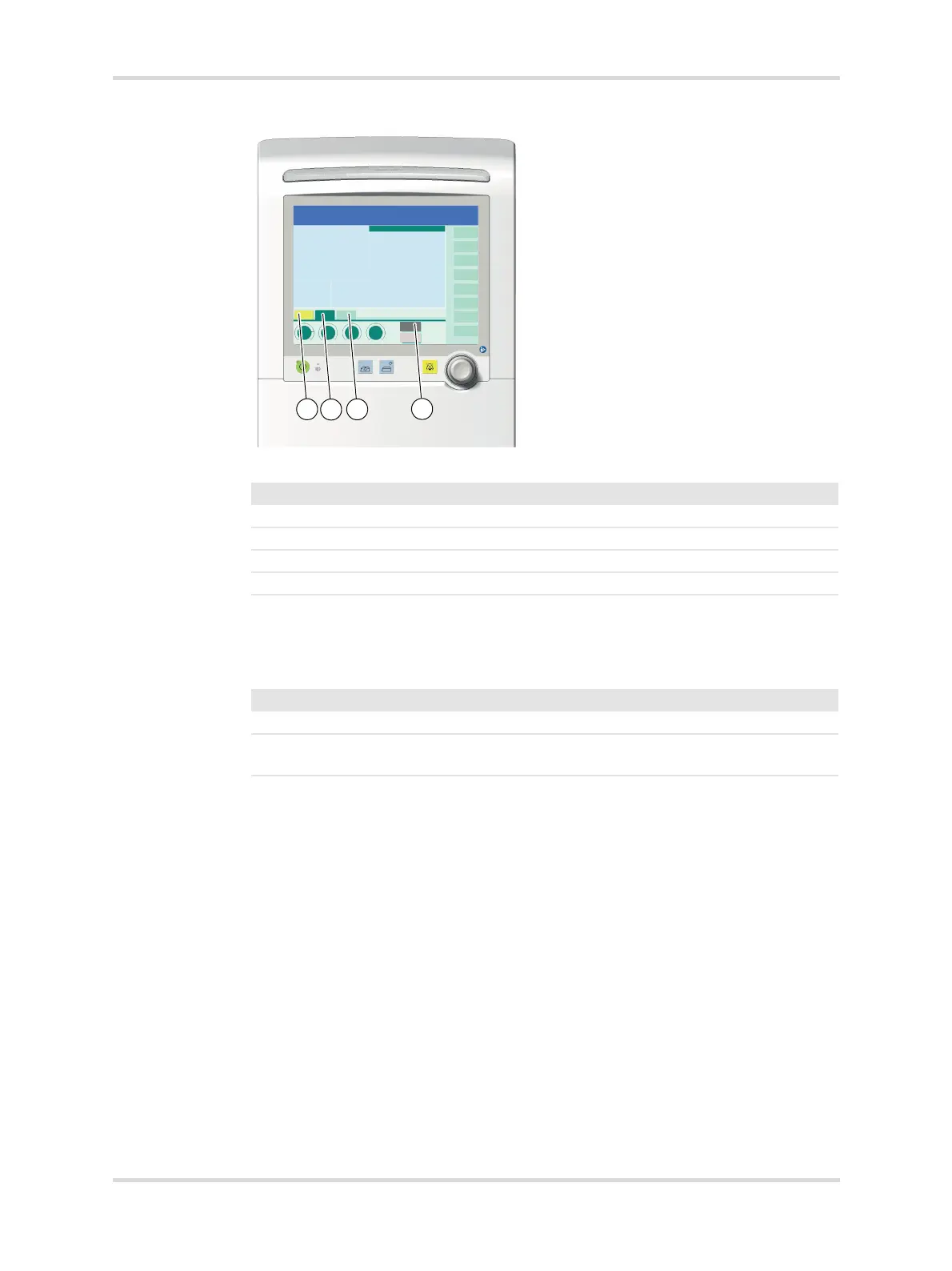
Fig. 20 Meaning of the colors of control elements
Backlighting of the rotary knob
When the device is ready for operation, the rotary knob is backlit in color. The
following table shows the meaning of the colors:
System support for unconfirmed selections
Using the example of the tabs and therapy controls, the following points show how
the device responds to an unconfirmed selection:
– If a selection has not been confirmed, a prompt indicates the unconfirmed
function or setting.
– If a selection remains unconfirmed for more than 10 seconds, the prompt
flashes blue. The backlighting of the rotary knob flashes yellow and an acoustic
signal sounds.
– If a selection remains unconfirmed for more than 15 seconds, the rotary knob
and prompt stop flashing. The device resets the selection. An alarm text warns
the user that the function or setting has not been adopted.
30607
No. Color Meaning
1 Gray Unavailable element
2 Light green Selectable element, function not activated
3 Dark green Selected element, function activated
4 Yellow Selected element, not yet confirmed
Color Meaning
Blue The most recently selected and confirmed therapy is running.
Yellow The selected function or setting has to be confirmed with the rotary
knob.














 To Next Page