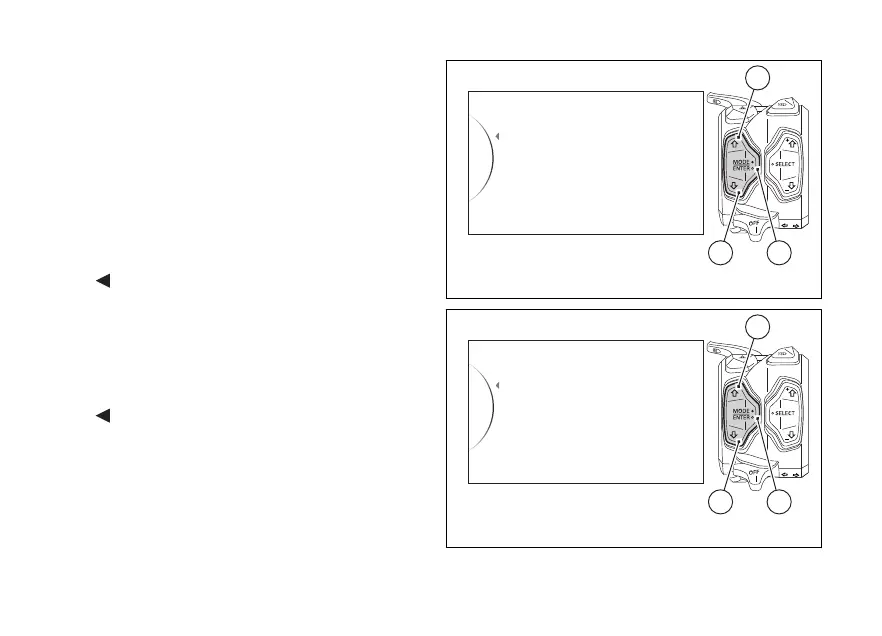
Customising the Riding Mode
All settings of every riding mode can be customised.
Enter the SETTING MENU.
Select Riding Mode by pressing button (1) or (2).
Once function is displayed, press button (4).
After entering the function, the display shows the
available riding modes (Race, Sport and Street) on the
left side and set Riding Mode on the right side.
The following indications will be displayed in this
page:
-
Back
- Race
- Sport
- Street
- All Default (visible only if one or more parameters
of one or more Riding Modes are different from
the "default" ones)
-
Back
Riding Mode
Pin Code
Lap
Exit
42
1
Fig. 44
Race
Sport
Race
Street
Back
...
42
1
Fig. 45
106















 To Next Page