Bluetooth device setting (Bluetooth)
This function allows pairing the Bluetooth devices
and/or deleting them if necessary: the function is
active only when the Bluetooth control unit is
available. In this model it is not available, but it can be
purchased at a Ducati Dealer or Authorised Service
Centre.
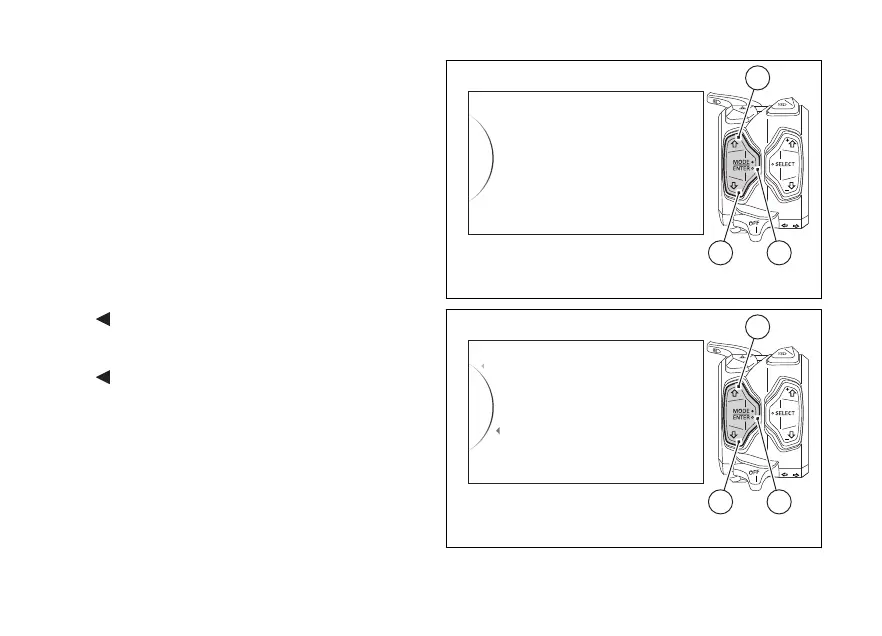
Enter the SETTING MENU.
Use buttons (1) and (2) to select "Bluetooth" and
press button (4).
As you enter this function, the instrument panel
displays the following indications:
-
Back
- Associated Devices
- Pairing
-
Back
Use buttons (1) and (2) to select the desired function:
- if “Associated Devices” is highlighted, press
button (4) to view the list of associated Bluetooth
devices, as described in paragraph “Associated
devices display”;
Bluetooth
Turn Indicators
Info
Tire Calibration
DRL
42
1
Fig. 128
Pairing
Back
Associated Devices
Back
42
1
Fig. 129
172













 To Next Page