Lap
Enter the SETTING MENU.
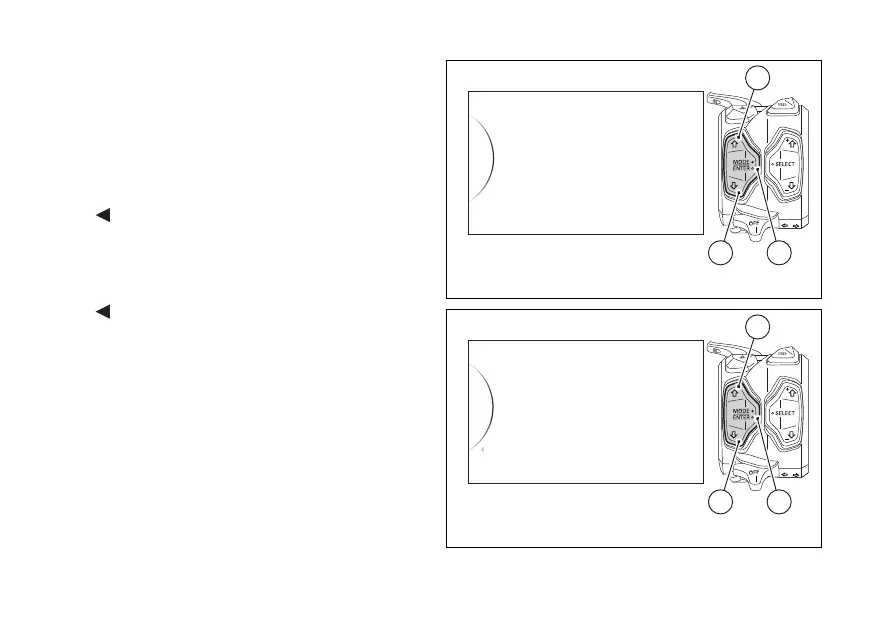
Select Lap option, by pressing button (1) or (2). Once
function is displayed, press button (4).
You open the LAP Menu.
The following indications will be displayed in this
page:
-
Back
- On (*)
- Off (**)
- Lap Data
- Erase All (***)
-
Back
(*) This indication is visible only if the Lap function is
“disabled” (Off)
(**) This indication is visible only if the Lap function is
“enabled” (On)
(***) This indication is visible only if one or more
saved LAPs are present
Use buttons (1) and (2) to select the indication and
press button (4) to activate the relevant function.
Lap
Backlight
Date and Clock
Riding Mode
Pin Code
42
1
Fig. 91
Lap Data
Erase All
On
Back
Off
...
42
1
Fig. 92
146













 To Next Page