Changing the Pin Code
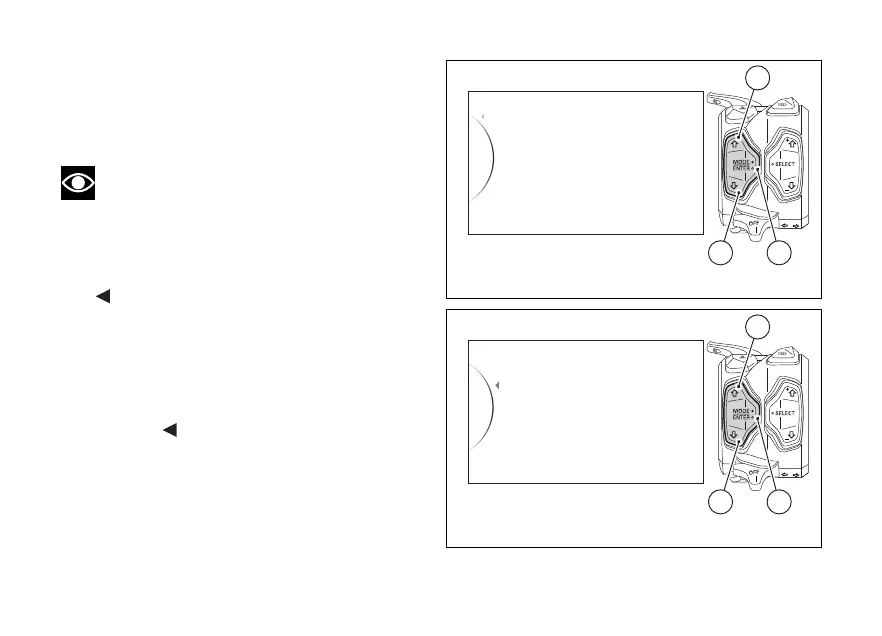
To customise the existing PIN CODE and activate the
new one, enter the SETTING MENU, use buttons (1)
and (2) to select "Pin Code" and press button (4).
Note
To change the PIN CODE, you must know the
already stored PIN.
As you enter this function, the instrument panel
displays the following indications:
-
Back
- Modify Pin
Use buttons (1) and (2) to select “Modify Pin” and
press button (4) to enter the Pin Code change
function.
To exit the menu and go back to previous page
highlight the "
Back" indication and press button
(4).
Pin Code
Lap
Backlight
Exit
Riding Mode
42
1
Fig. 80
Fig. 81
140













 To Next Page