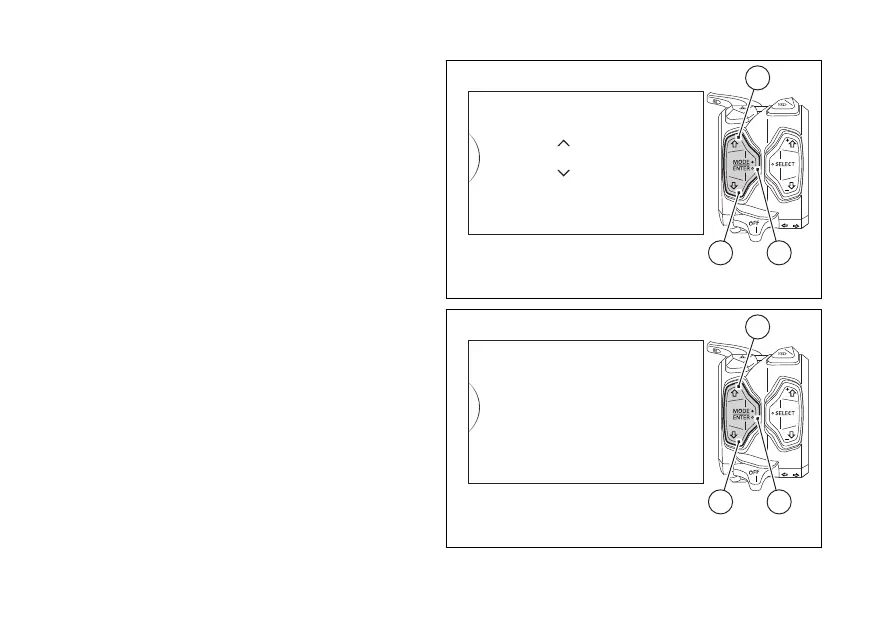
After accessing the Pin Code change function (Modify
Pin), the instrument panel displays “Old Pin” with
spaces allowing to enter the four digits of the set Pin
code: “0” and “- - -“. The two arrows on the digit give
the possibility to set it.
Entering the code:
1) Each time you press the button (1) the displayed
number increases by one (+ 1) up to "9" and then
starts back from “0”;
2) Each time you press the button (2) the displayed
number decreases by one (- 1) up to "1" and then
starts back from "0";
3) Press button (4) to confirm the number and move
on to the following digit.
4) Repeat the operations under steps 1) - 3) until you
confirm all the 4 digits of the PIN CODE.
Fig. 82
Fig. 83
141













 To Next Page