Clock setting (Date and Clock)
This function allows user to set or adjust the time.
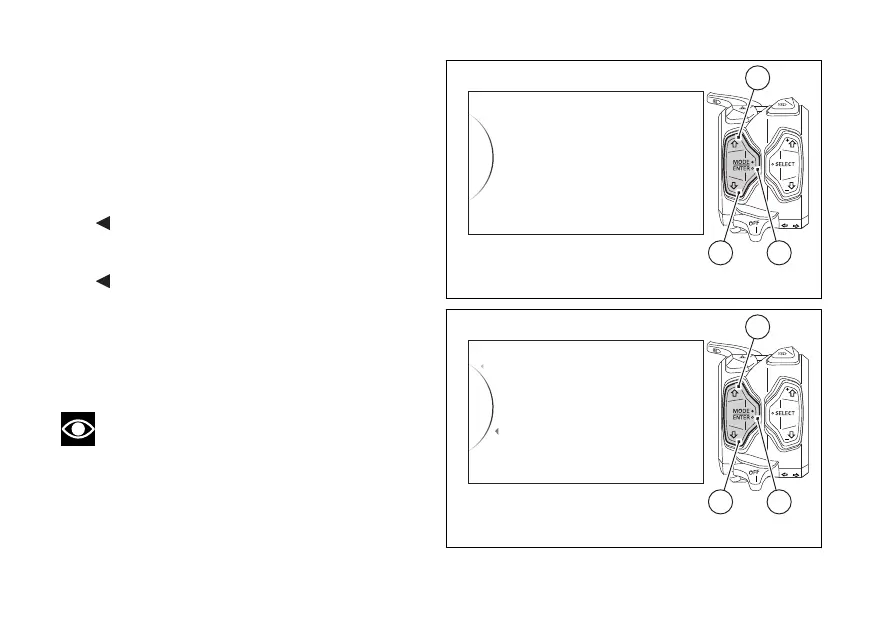
Enter the SETTING MENU.
Use buttons (1) and (2) to select "Date and Clock" and
press button (4).
As you enter this function, the instrument panel
displays the following indications:
-
Back
- Date
- Clock
-
Back
Use buttons (1) and (2) to select “Clock”: when this
indication is highlighted, the instrument panel
displays the time in the set format: AM / PM, HOUR,
MINUTE (e.g.: AM 10 : 25).
Note
If nobody set the time, display will read dashes
“- -” as hour and minutes.
Date and Clock
Units
Backlight
Service
Lap
42
1
Fig. 105
Back
Back
Clock
Date
...
AM 10 : 25
42
1
Fig. 106
157













 To Next Page