Turn indicator automatic switch-off feature
(Turn indicators)
This Function allows user to set the strategy for
automatically switching off the turn indicators based
on lean angle, vehicle speed and distance run to
automatic mode (AUTO) or manual mode (MANUAL).
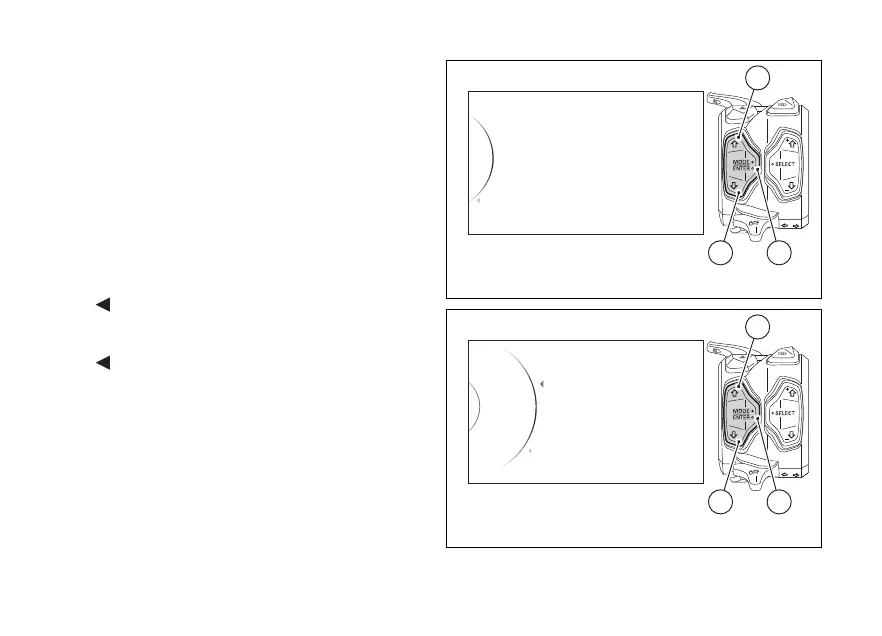
Enter the SETTING MENU.
Select “Turn indicators” by pressing button (1) or (2).
Once function is highlighted, press button (4).
As you enter this function, the instrument panel
displays the following indications:
-
Back
- Auto
- Manual
-
Back
Use buttons (1) and (2) to select the desired setting:
- by selecting “Auto”, the system activates the
self-disabling strategy of the turn indicators;
- by selecting “Manual”, the system disabled the
self-disabling strategy of the turn indicators (so
the turn indicators can be turned off manually
only by pressing the dedicated button).
Turn Indicators
Info
Tire Calibration
Service
Exit
42
1
Fig. 145
Auto
Turn Ind... Auto
Back
Manual
...
Back
42
1
Fig. 146
186















 To Next Page