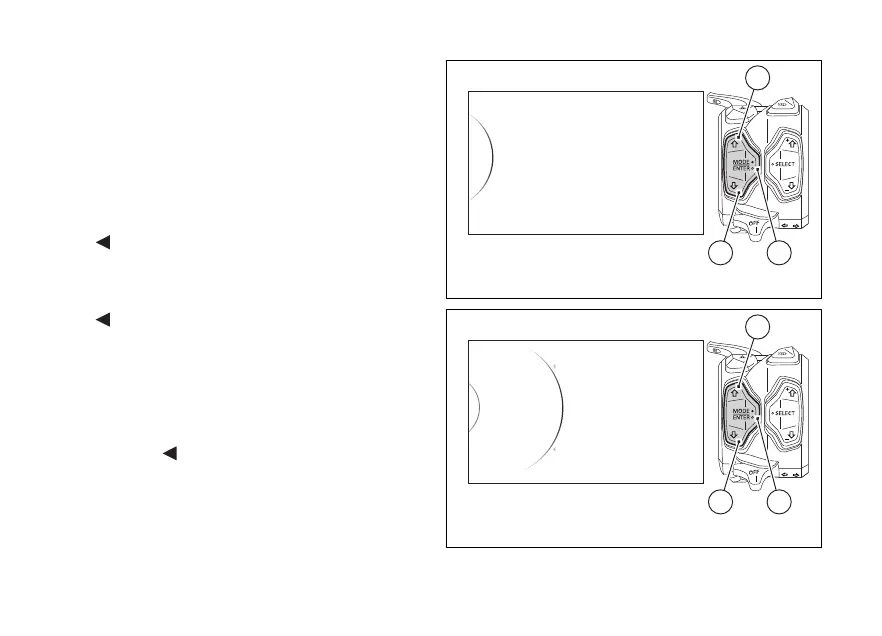
Backlighting setting (Backlight)
This function allows adjusting the backlighting
intensity.
To customise the background configuration, enter the
SETTING MENU, use buttons (1) and (2) to select
"Backlight" and press button (4).
As you enter this function, the instrument panel
displays the following indications:
-
Back
- Auto
- Day
- Night
-
Back
With buttons (1) and (2) it is possible to select the
desired display backlight.
Once the desired backlight is highlighted, press
confirm button (4) to memorise the new selection.
To exit the menu and go back to previous page
highlight the "
Back" indication and press button
(4).
Select AUTO (automatic mode) to automatically
adjust background colour according to ambient light
(detected by a sensor). If the external lighting is
Backlight
Date and Clock
Units
Pin Code
Lap
42
1
Fig. 99
Day
Day
Night
Auto
Backlight
...
Back
Back
42
1
Fig. 100
152













 To Next Page