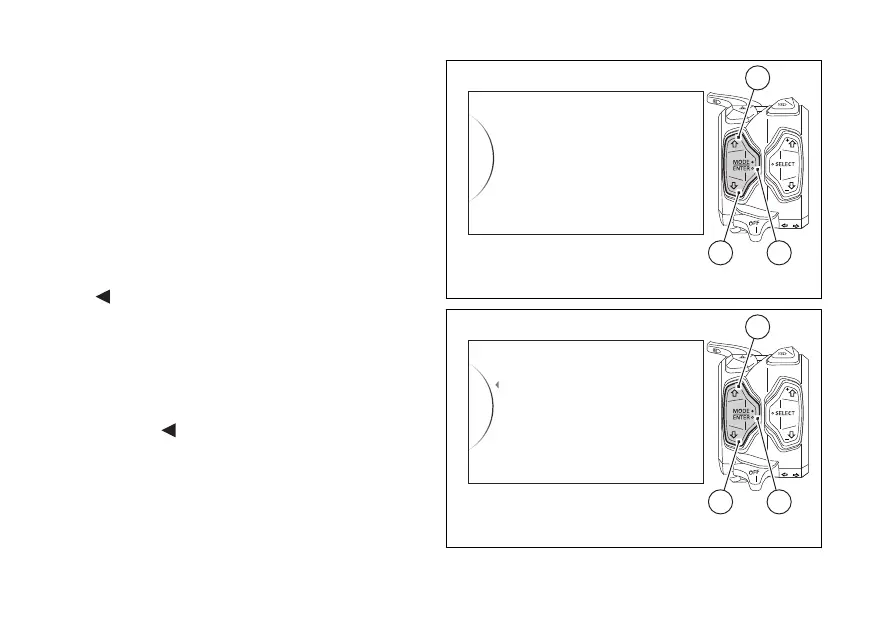
Tyre setting and drive ratio (Tyre
Calibration)
This function allows the user to run the procedure for
calibrating and teaching in the tyre rolling
circumference and final drive ratio.
Enter the SETTING MENU.
Select "Tire Calibration" option, by pressing button
(1) or (2).
Once function is highlighted, press button (4).
As you enter this function, the instrument panel
displays the following indications:
-
Back
- Start
- Default (this indication is visible only if the set
parameter is different from the "default"
parameter)
To exit the menu and go back to previous page
highlight the "
Back" indication using button (1) or
(2) and press button (4).
To start the drive ratio and tyre calibration procedure
press button (4) when "Start" is highlighted.
Tire Calibration
DRL
Turn Indicators
Units
Service
42
1
Fig. 119
Fig. 120
166













 To Next Page