DDA
This function allows you to enable and disable the
DDA, view the percentage of memory used and to
delete data stored in the DDA (Ducati Data Analyzer)
memory.
The page for the DDA is only available when the
device is fitted to the motorcycle.
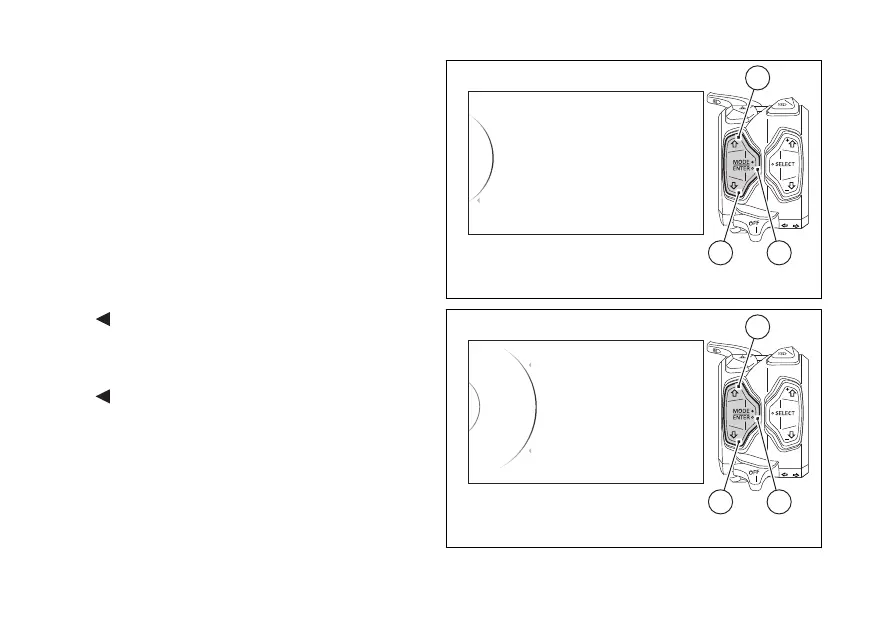
Enter the SETTING MENU.
Select "DDA" option, by pressing button (1) or (2).
Once function is highlighted, press button (4).
As you enter this function, the instrument panel
displays the following indications:
-
Back
- Off
- On
- Memory
-
Back
The currently set DDA status is also indicated on the
right (e.g.: DDA Off).
Use buttons (1) and (2) to select the desired setting:
- if “Off” is selected, press button (4) to deactivate
DDA;
DDA
Info
Turn Indicators
DRL
Exit
42
1
Fig. 141
On
DDA Off
Off
Memory
...
Back
Back
42
1
Fig. 142
182













 To Next Page