Activating the PIN CODE
To activate the PIN CODE function and enter your
own PIN CODE you must open the SETTING MENU.
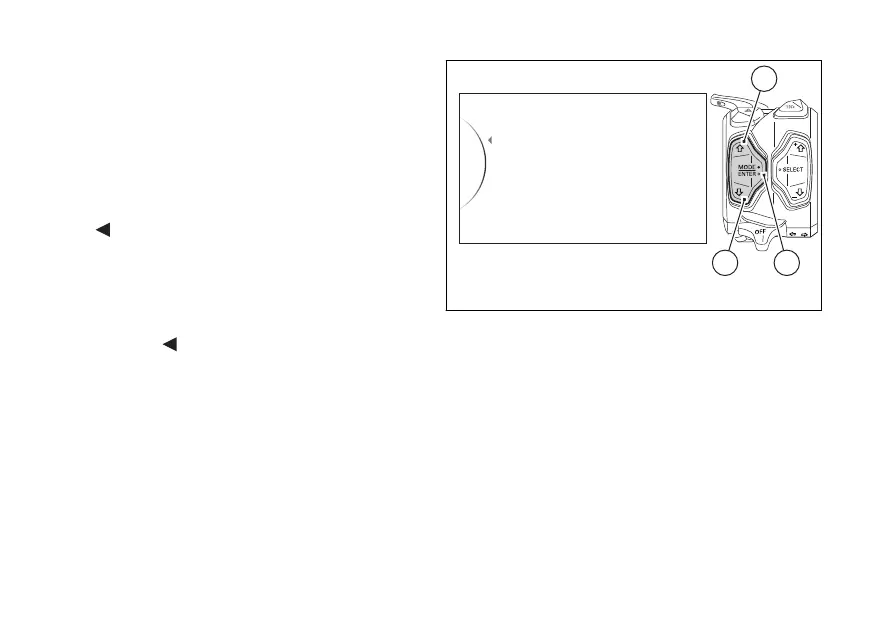
Select Pin Code option, by pressing button (1) or (2).
Once function is highlighted, press button (4).
As you enter this function, the instrument panel
displays the following indications:
-
Back
- New Pin
Use buttons (1) and (2) to select “New Pin” and press
button (4) to enter the Pin Code entering function.
To exit the menu and go back to previous page
highlight the "
Back" indication and press button
(4).
Fig. 75
136













 To Next Page