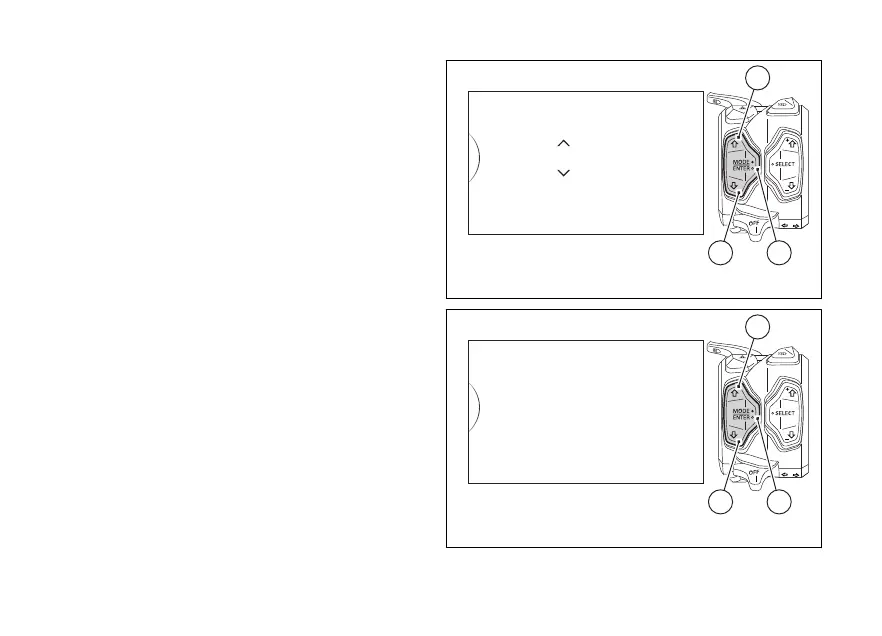
After accessing the Pin Code entering function (New
Pin), the instrument panel displays “New Pin” with
spaces allowing to enter the four digits of the new Pin
code to be entered: “0” and “- - -“. The two arrows on
the digit give the possibility to set it.
Entering the code:
1) Each time you press the button (1) the displayed
number increases by one (+ 1) up to "9" and then
starts back from “0”;
2) Each time you press the button (2) the displayed
number decreases by one (- 1) up to "1" and then
starts back from "0";
3) Press button (4) to confirm the number and move
on to the following digit.
4) Repeat the operations under steps 1) - 3) until you
confirm all the 4 digits of the PIN CODE.
Fig. 87
Fig. 88
144













 To Next Page