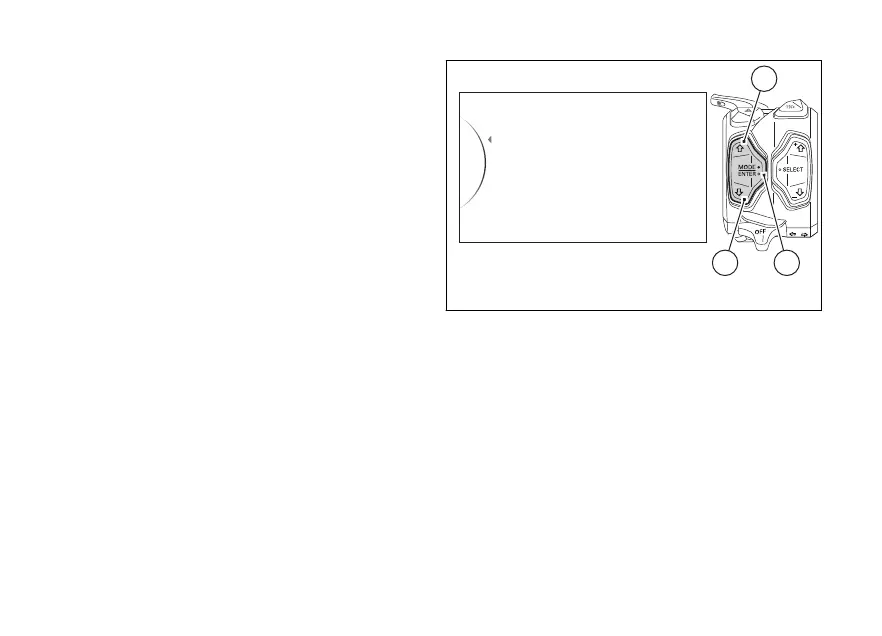
Erasing stored Laps
The memorised laps can be erased with the “Erase
All” function.
To delete the LAPs, enter the SETTING MENU, use
buttons (1) and (2) to select "Lap" and press button (4).
Then use buttons (1) and (2) to select “Erase All” and
press button (4).
When entering this display mode, if there is no
memorised LAP, the instrument panel will show no
indication allowing the erasing function; otherwise, it
will display “Erase All”.
Use buttons (1) and (2) to select “Erase All” and
press button (4).
Fig. 96
150













 To Next Page