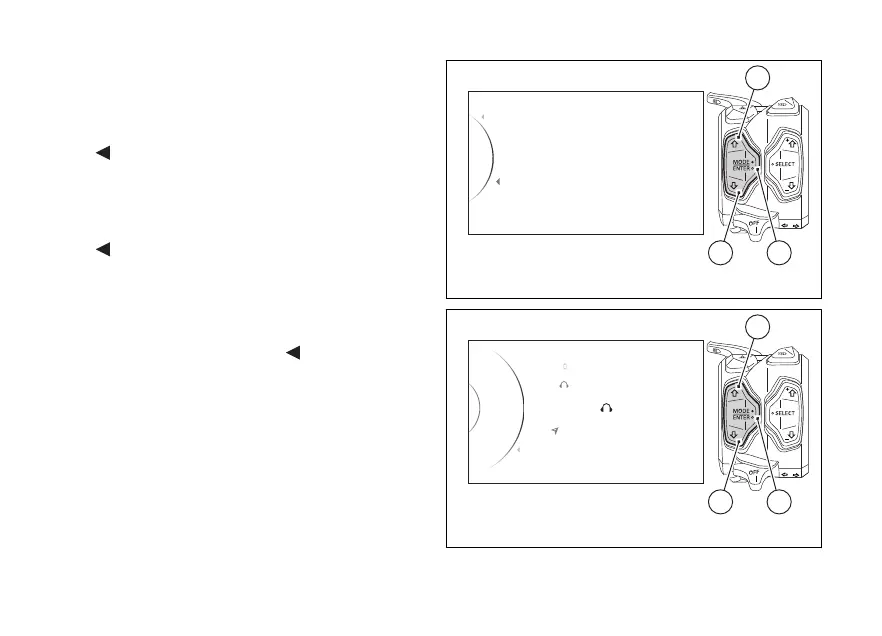
To perform pairing procedure use buttons (1) and (2)
to select "Pairing" and press button (4).
As you enter this function, the instrument panel
displays the following indications:
-
Back
- Smartphone
- Rider
- Passenger
- Navi
-
Back
Use buttons (1) and (2) to select the type of device for
which you wish to start the device search procedure.
Once the device is highlighted, press button (4).
To exit the menu highlight the "
Back" indication
and press button (4).
Pairing
Back
Associated Devices
Back
42
1
Fig. 130
Passenger
Navi
Back
Smartphone
Pairing...
Rider
2
1
42
1
Fig. 131
175













 To Next Page