Deleting associated device(s)
This function allows the user to delete a device from
the list of paired devices.
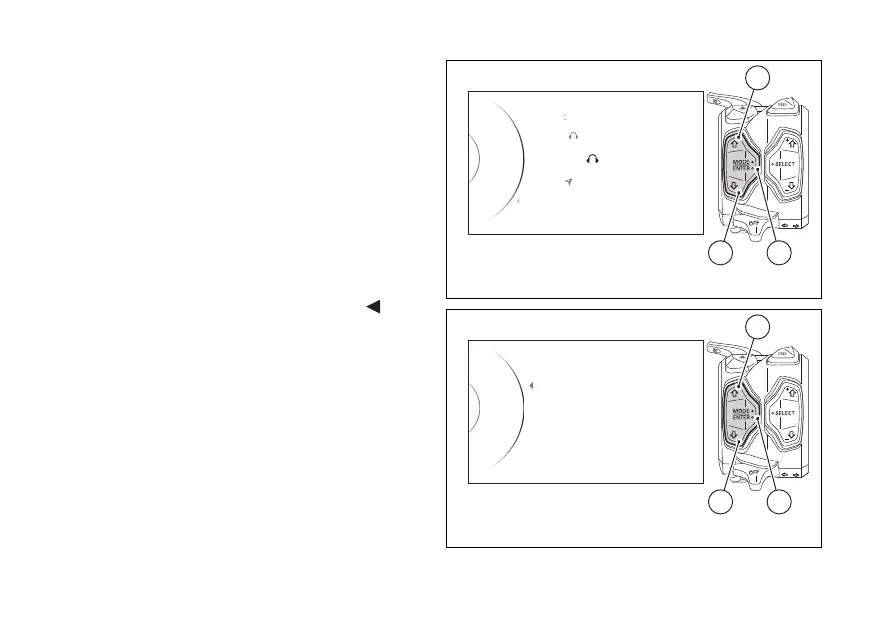
Access the already associated devices page, use
buttons (1) and (2) to select "Associated Devices" and
press button (4).
Use buttons (1) and (2) to highlight and select the
device to be deleted from the list.
Press button (4).
The instrument panel shows "Delete" and press
button (4) again to confirm.
If you do not wish to delete it, highlight the "
Back"
indication and press button (4).
By confirming the device deletion, the instrument
panel will display “Wait...”.
As soon as the procedure is completed, the device is
removed from the list of associated devices.
Scala Q3
Garmin
Back
Samsung S7
Ass. Device
...
Scala Q
2
1
42
1
Fig. 139
Fig. 140
180













 To Next Page