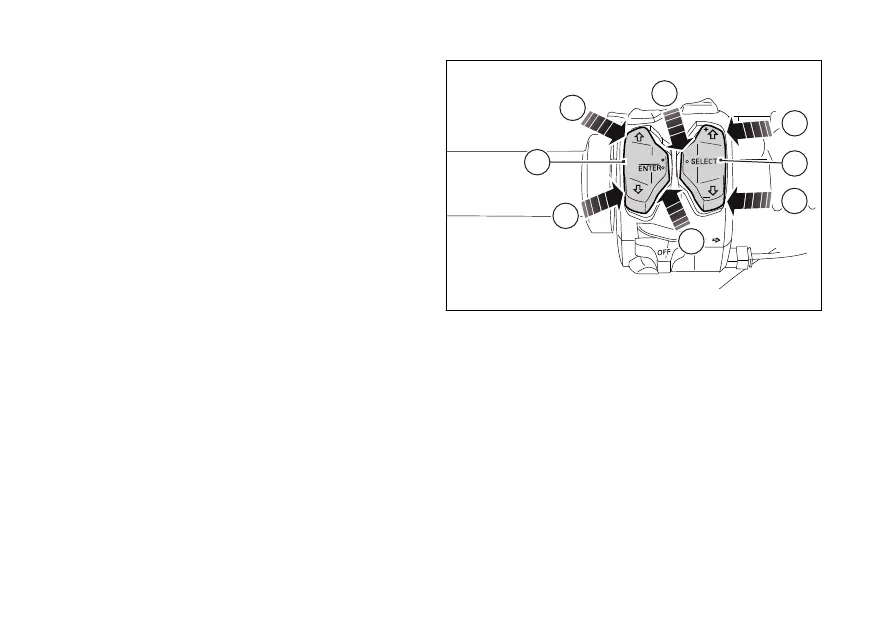
Button (4) for menu navigation features three
positions:
- (D) for scrolling menu functions (UP);
- (E) for scrolling menu functions (DOWN);
- (F) for confirming menu functions.
Button (5) for quick selection features three positions:
- (G) quick selection confirmation;
- (H) quick selection button "UP" (UP+) to increase the
level of the selected function;
- (I) quick selection button "DOWN" (DOWN-) to
decrease the level of the selected function;
Fig. 186
234













 To Next Page