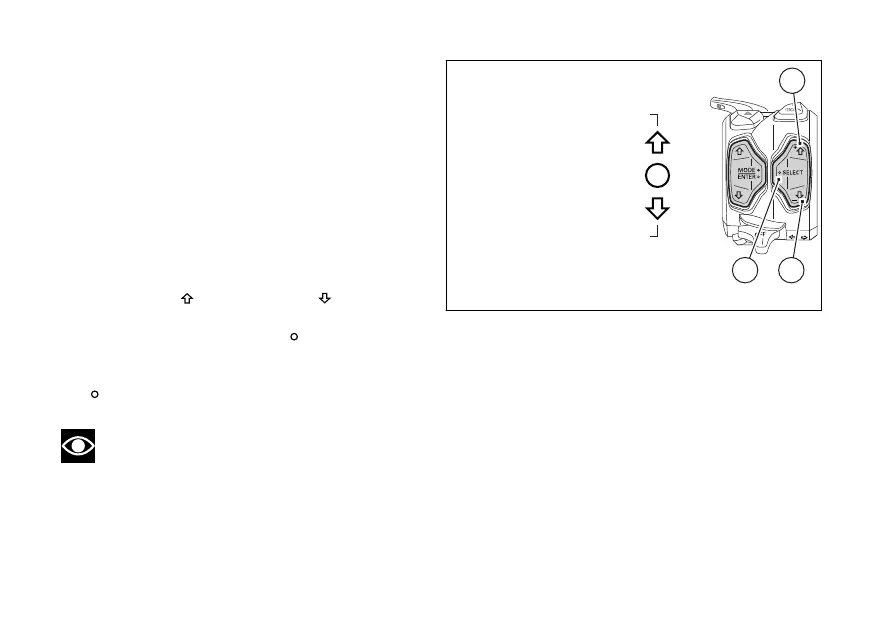
Parameter displaying
This mode of “Parameter and level change menu”
displays the following parameters with the relevant
values currently set:
- DTC
- DWC
- DSC
- EBC
- ABS
- DQS
With button (6)
and button (7) it is possible
to scroll in rotation the list of available parameters.
When the empty circle symbol
at the right of the
parameter is displayed, it is possible to carry out a
level change for that parameter by pressing button
(5)
.
Note
If a parameter has been set to “off” through the
Setting Menu (e.g. DTC, DWC, DSC, EBC), “off”
status is displayed and it is not possible to perform its
quick change.
Fig. 20
54













 To Next Page