Switching
Rotary Modes
The [VOL] button can be switched to other
functions. When the rotary mode is set to ON,
you can switch from the volume adjustment
function to the following functions by pressing the
[VOL] button.
Source
Function Page
FM/AM
TUNE UP/DOWN 42
XM
TRACK UP/DOWN
89
SIRIUS
TRACK UP/DOWN 92
COP/CDC
Track search
27
MP3IWMA FILE search
27
USB
FILE search 27
iPod
Track search 97
For detailed information on the above functions,
see the operation instructions for each related
audio source.
II
Press
the
[MODE]
button
while
the
main
unit
is
set
to
any
audio
mode.
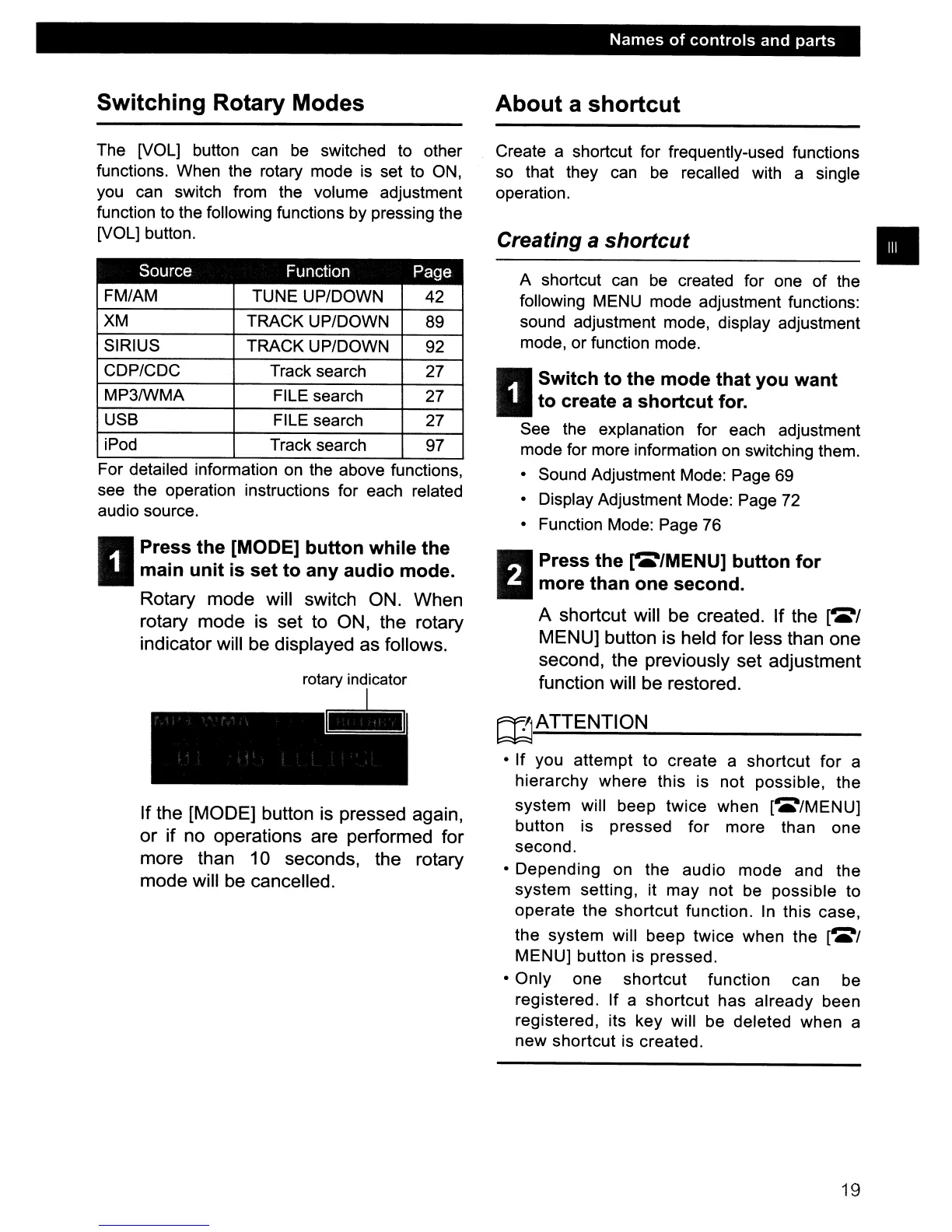
Rotary mode will switch ON. When
rotary mode is set to ON, the rotary
indicator will be displayed as follows.
If the [MODE] button is pressed again,
or
if
no operations are performed for
more than 10 seconds, the rotary
mode will be cancelled.
Names
of
controls
and parts
About
a
shortcut
Create a shortcut for frequently-used functions
so that they can be recalled with a single
operation.
Creating a
shortcut
•
A shortcut can be created for one
of
the
following MENU mode adjustment functions:
sound adjustment mode, display adjustment
mode, or function mode.
II
Switch
to
the
mode
that
you
want
to
create a
shortcut
for.
See the explanation for each adjustment
mode for more information
on
switching them.
• Sound Adjustment Mode: Page 69
• Display Adjustment Mode: Page 72
• Function Mode: Page 76
I!IPress
the
rea/MENU]
button
for
iii
more
than
one
second.
A shortcut will be created. If the
l~/
MENU] button is held for less than one
second, the previously set adjustment
function will be restored.
rnATTENTION
• If you attempt to create a shortcut for a
hierarchy where this is not possible, the
system will beep twice when
[~/MENU]
button is pressed for more than one
second.
• Depending on the audio mode and the
system setting, it may not be possible to
operate the shortcut function. In this case,
the system will beep twice when the
[~/
MENU] button is pressed.
• Only one shortcut function can be
registered. If a shortcut has already been
registered, its key will be deleted when a
new shortcut is created.
19



 To Next Page