Names
of
controls
and
parts
Using a shortcut
Pattern Display
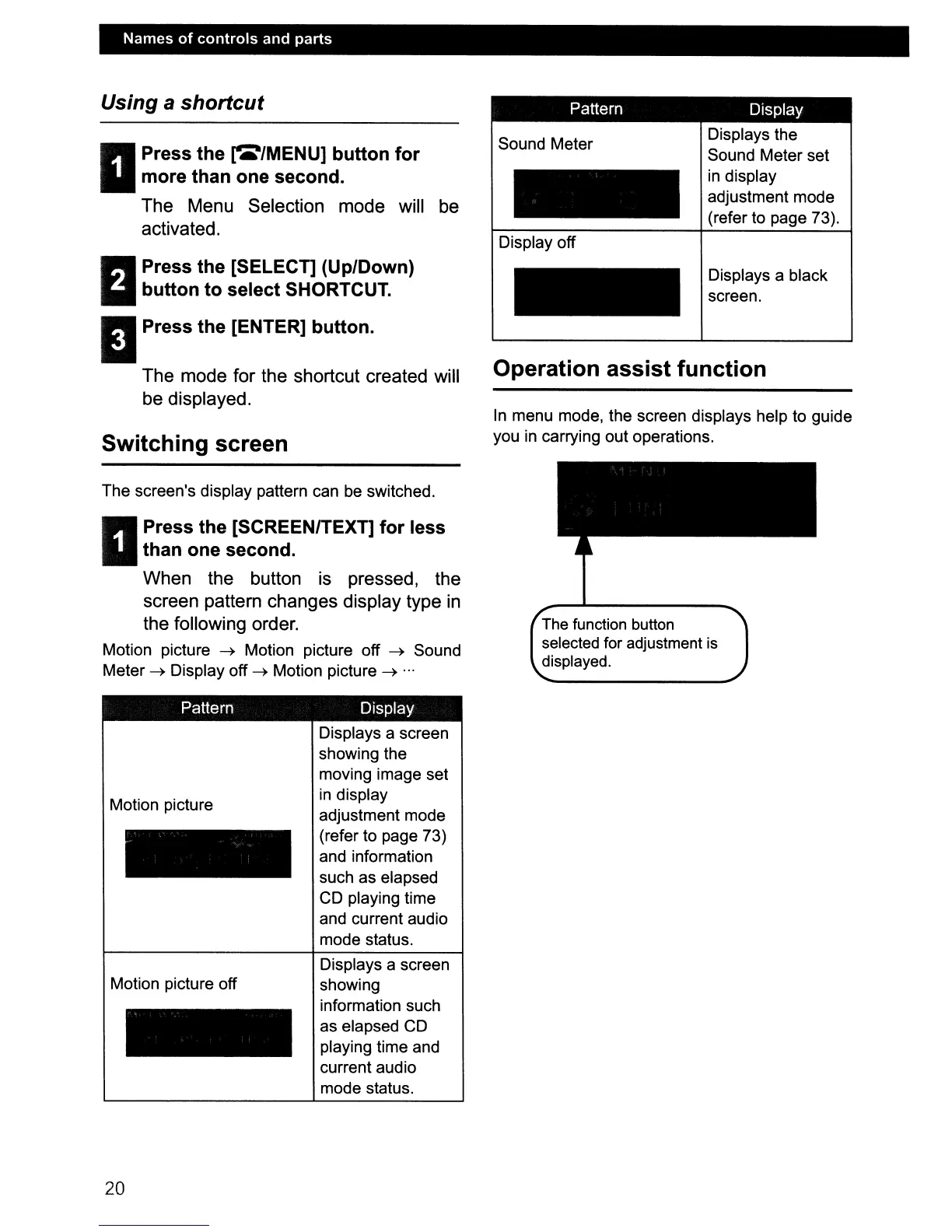
Operation assist function
In
menu mode, the screen displays help to guide
you
in
carrying out operations.
II
Press the
~/MENU]
button for
more than one second.
The Menu Selection mode will be
activated.
n Press the [SELECT] (Up/Down)
II
button to select SHORTCUT.
I Press the [ENTER] button.
The mode for the shortcut created will
be displayed.
Switching screen
Sound Meter
Display off
Displays the
Sound Meter set
in display
adjustment mode
(refer to page 73).
Displays a black
screen.
The screen's display pattern can
be
switched.
II
Press the [SCREENITEXT] for less
than one second.
When the button is pressed, the
screen pattern changes display type
in
the following order.
Motion picture
~
Motion picture off
~
Sound
Meter
~
Display off
~
Motion picture
~
...
Pattern Display
The
function button
selected for adjustment
is
displayed.
Motion picture
Motion picture off
20
Displays a screen
showing the
moving image set
in display
adjustment mode
(refer to page 73)
and information
such as elapsed
CD playing time
and current audio
mode status.
Displays a screen
showing
information such
as elapsed CD
playing time and
current audio
mode status.



 To Next Page