164
Technical Publication Document NO: SYSTEM-007-ENG (Ver.1.1)
HF-525Plus Installation, Operation and Service Manual
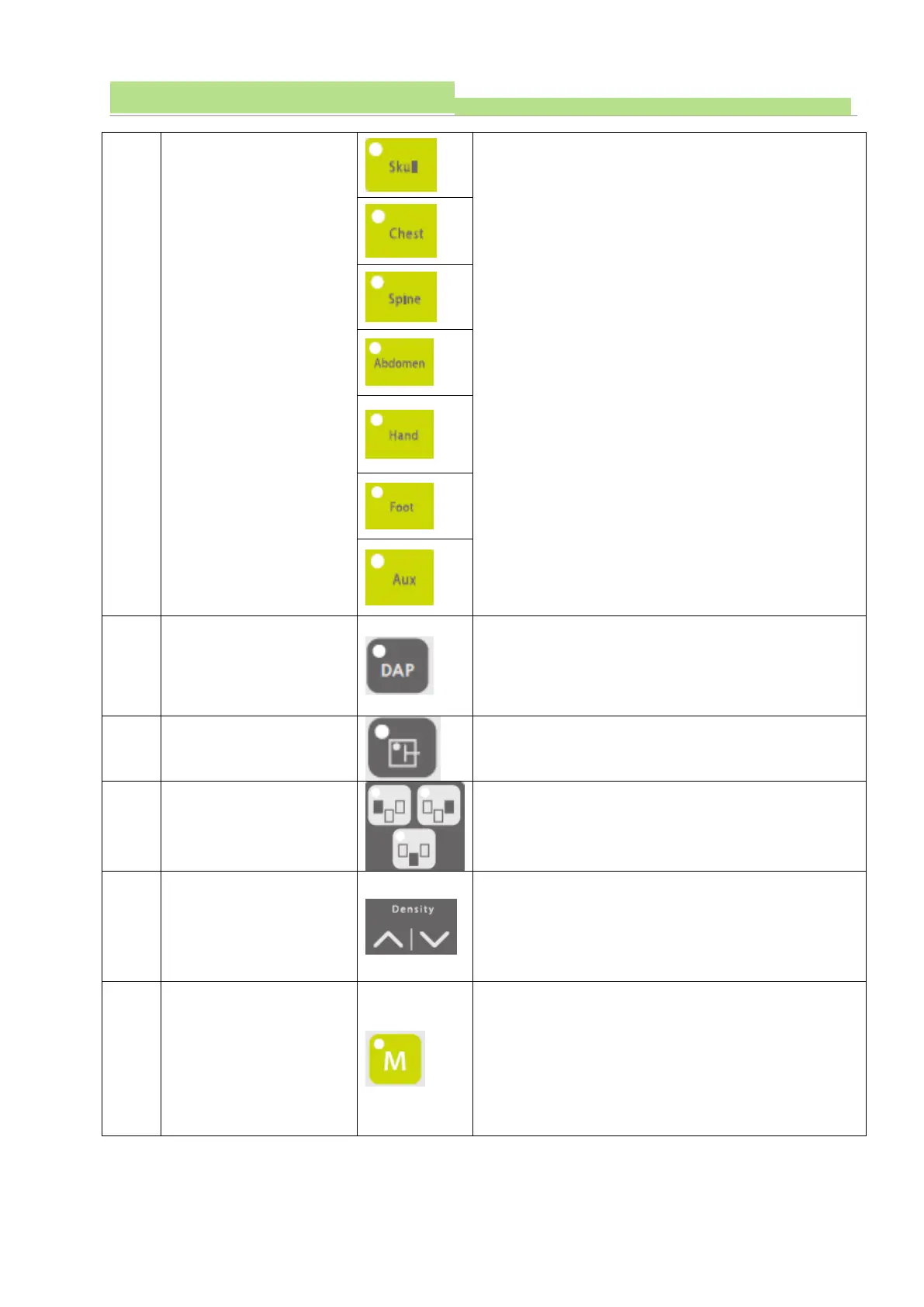
Recall patients’ body parts from CPU Memory in
where it has X-ray exposure data for Skull, Chest,
Abdomen, Hand, Foot, Aux etc.
Can select if you will use DAP function or not. (LED on
is function selected. LED off = no use).
Can select one or two or all chamber sensors. (LED
ON = activated)
Chamber sensitivity
control (= density)
Can adjust sensitivity of AEC sensors, and this
sensitivity of AEC appears as Density value from -8 to
+8.
When APR data is changed, you can save the data
(kV, mA, mAs) with this button to that point of memory.
Press it for 3~4 sec as long as you hear the beep
sound.


 To Next Page
 Loading...



