169
Technical Publication Document NO: SYSTEM-007-ENG (Ver.1.1)
HF-525Plus Installation, Operation and Service Manual
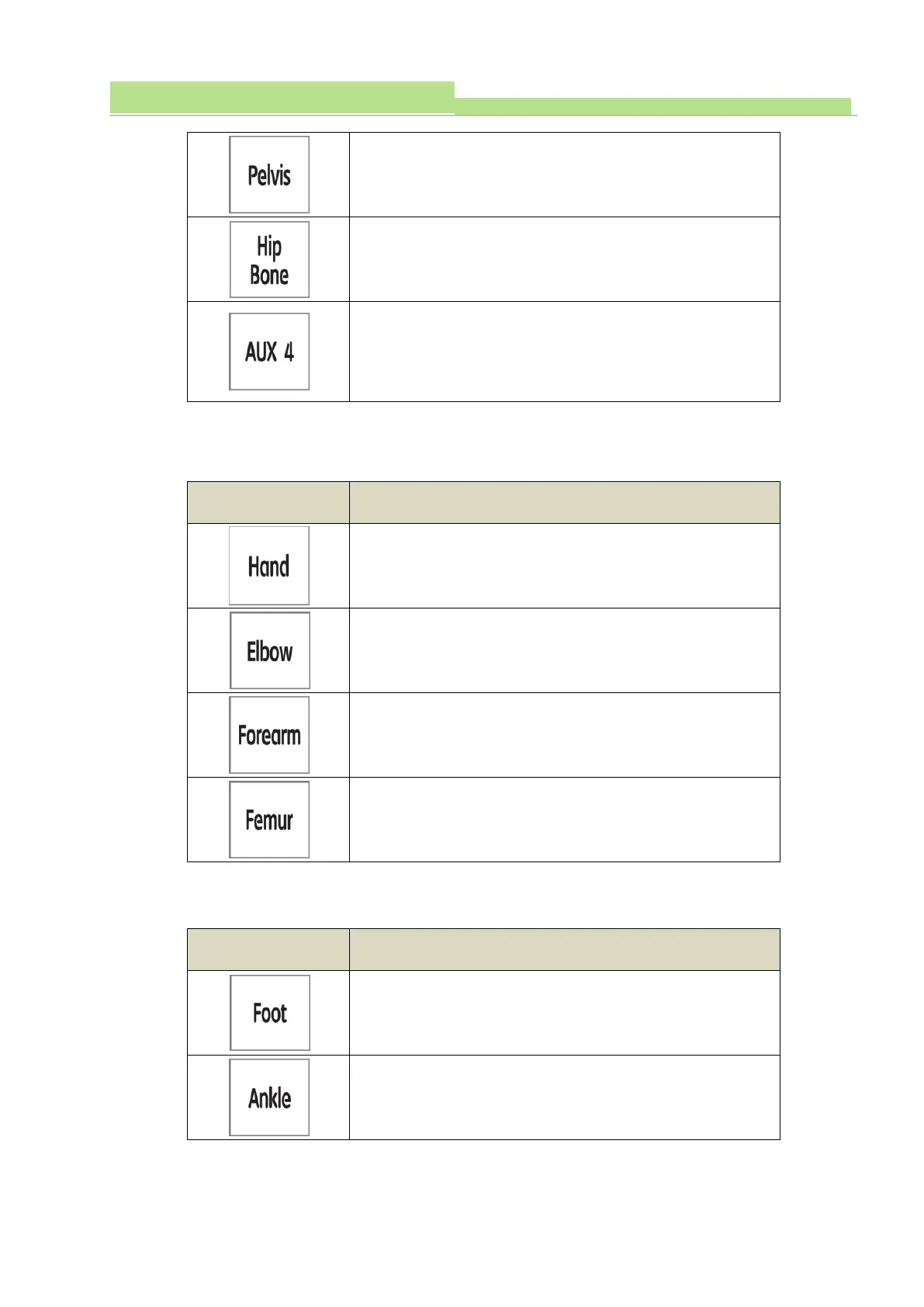
(6) After selection of main category ‘Hand’ and select sub category with 4 parts as below.
(6) After selection of main category ‘Foot’ and select sub category with 4 parts as below..
With Abdomen selected, press F3 to select at ‘Pelvis’ then
its body part appears on LCD screen.
With Abdomen selected, press F3 to select at ‘Hop None’
then its body part appears on LCD screen.
With Abdomen selected, press F3 to select ‘AUX4’ then
the body part will appear on LCD screen. AUX4 is an
additional program bank where users can put extra desired
parameters for APR.
With Hand selected, press F3 to select at ‘Hand’ then its
body part appears on LCD screen.
With Hand selected, press F3 to select at ‘Elbow’ then its
body part appears on LCD screen.
With Hand selected, press F3 to select at ‘Forearm’ then its
body part appears on LCD screen
With Hand selected, press F3 to select at ‘Femur’ then its
body part appears on LCD screen .
With Foot selected, press F3 to select at ‘Foot’ then its body
part appears on LCD screen.
With Foot selected, press F3 to select at ‘Ankle’ then its
body part appears on LCD screen.


 To Next Page
 Loading...



