174
Technical Publication Document NO: SYSTEM-007-ENG (Ver.1.1)
HF-525Plus Installation, Operation and Service Manual
Console SETUP mode can define the AEC function details. (only Eng mode)
● No.1
(1) AEC ON/OFF (activate or deactivate it) .
(2) The button’s LED is ON when activated.
● No.2
(1) Select chamber (sensor) activation, there are 3 sensors in each AEC chamber and the buttons can
select each sensor ON/OFF. (the selected and activated sensor LED is ON)
(2) One press will activate it and another press will deactivate.
● No.3
(1) Can define AEC Chamber sensitivity with total 16 steps. (-8 ~ +8)
(2) -8 will produce brighter image and +8 will show darker images.
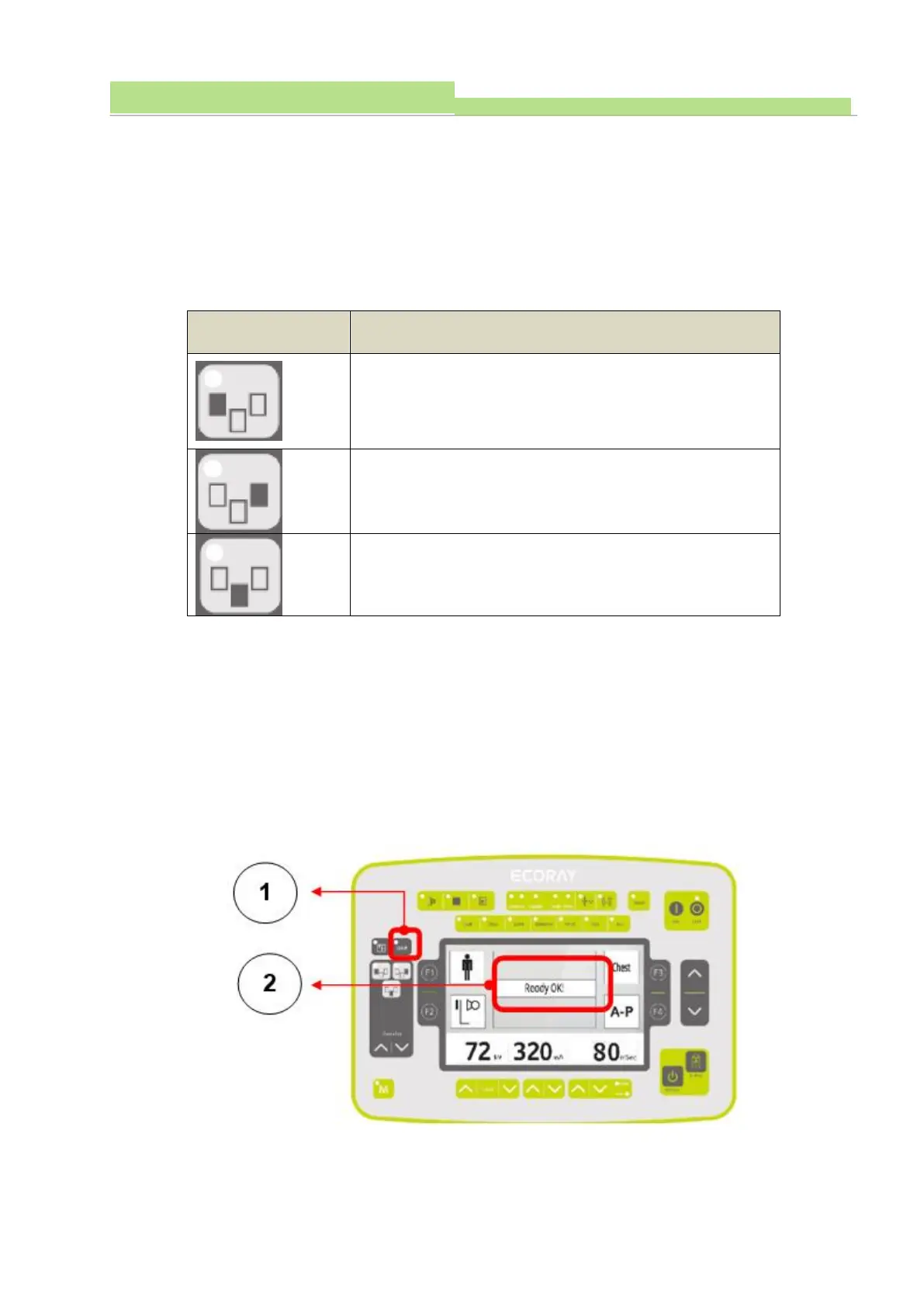
7.2.9 DAP (Dose Area Product) - (Optional)
DAP function shows produced dose value from Tube. It displays on console screen after X-ray
exposure.
■ Buttons and screen display



 To Next Page